

SSR Safe Angular Bot Detection: OWASP Layering and Server Validation

Last updated on October 7, 2026 · 10 min read
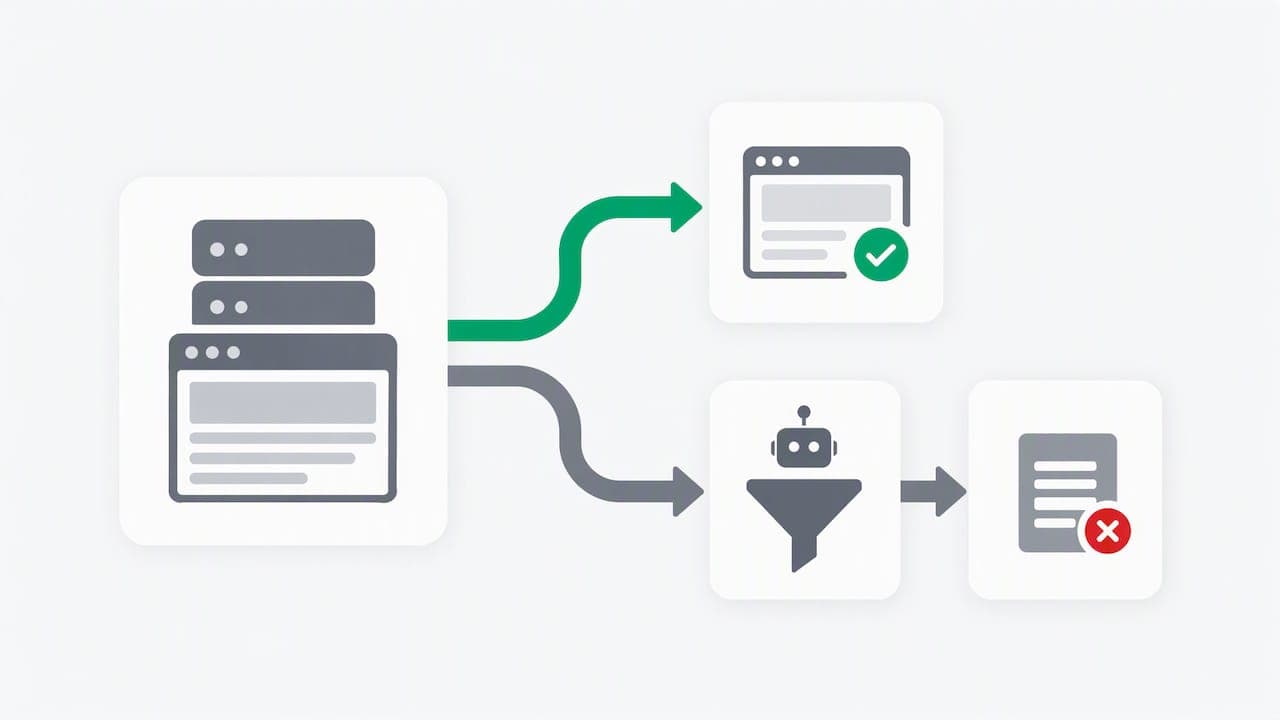
Bot detection in an Angular application belongs in three places at once: the client collects signals after render, the server validates everything that client sends, and the business logic enforces decisions based on combined signals. Initialize browser checks post-render to avoid server-side rendering conflicts, submit tokens or detection results with each sensitive action, and verify them server-side before granting access. Client signals alone tell you almost nothing. Treat them as telemetry, not as a verdict.
TL;DR:
- Client signals collected by Angular are unreliable on their own; server validation of tokens and signals is necessary for accurate bot detection.
- Detection SDKs must be initialized after view rendering and guarded with platform checks to avoid server errors and hydration issues in Angular SSR.
- Combining edge, application, and backend controls enhances bot detection accuracy, with each layer catching signals the others miss.
- Rate limiting, graduated challenges, and audit logs are essential to balance user experience and security, avoiding unnecessary friction.
- ShieldLabs provides persistent visitor signals and risk scores that integrate into backend rules, with easy setup and scalable plans.
Table of Contents
- Where Angular fits in a layered bot-management architecture
- Angular SSR: running detection code without breaking hydration
- Using client-side bot detection libraries in Angular and their limitations
- Server-side validation: tokens, expiry, and layered controls
- When to apply challenges and alternatives to visible CAPTCHA
- Operational testing and monitoring checklist for Angular detection
- ShieldLabs evidence: what the platform supplies and how teams use its signals
- Short checklist and recommended first steps for engineering leaders
- Try ShieldLabs as your detection layer
- FAQ
- Sources
Where Angular fits in a layered bot-management architecture
A working bot-management setup splits responsibility across three layers, a model the OWASP Bot Management Cheat Sheet describes as combining edge, application, and backend controls rather than relying on any single library. Angular sits in the middle layer: it gathers telemetry or requests a token, but it never makes the final call.
A signup flow illustrates the split:
- Edge (CDN/WAF): IP reputation, ASN, TLS fingerprint (JA3), and basic rate limiting before the request reaches your application.
- Angular client: collects session-level signals (device, behavior, timing) or obtains a verification token after the component renders.
- Backend: validates the token, checks account velocity and historical patterns, and applies the business rule (allow, challenge, or reject).
Each layer catches what the others miss. An Angular client can flag a suspicious session, but it cannot see cross-account patterns or network-level reputation. That correlation only happens once signals converge at the backend.
Angular SSR: running detection code without breaking hydration
Server-rendered Angular apps do not have access to window, document, navigator, or location during the server render pass. Calling a bot-detection SDK at module evaluation time, or inside a constructor that runs on both server and client, throws errors on the server and risks hydration mismatches once the client takes over. Angular's SSR guidance is explicit that browser-only code needs to be isolated from the server-rendered contract.
The fix is a short sequence:
- Inject
PLATFORM_IDand guard any browser-only logic withisPlatformBrowser. - Initialize detection SDKs inside
afterNextRenderorngAfterViewInit, never in a constructor or at the top of a service. - Confirm the server-rendered markup matches what the client produces before the SDK mutates the DOM.
Hybrid rendering, where some routes prerender and others render fully on the server, adds a wrinkle: prerendered routes have no runtime server context at all, so detection only ever runs client-side on those pages, while fully server-rendered routes need the guard on every request.
Pro Tip: After wiring up detection, check your Lighthouse or DevTools layout-shift score on the affected routes. A badly timed SDK init is a common, avoidable source of cumulative layout shift.
Using client-side bot detection libraries in Angular and their limitations
Open-source libraries like BotD run entirely in the browser, detecting browser automation frameworks and headless environments. BotD initializes a single agent per page and exposes a detect call for on-demand results, which maps cleanly onto the afterNextRender pattern described above.
A few integration points matter:
- Initialize the agent once per page load, gated by
isPlatformBrowser, not once per component instance. - Client libraries reliably flag headless browsers and known automation frameworks; properties like user agent strings or screen dimensions are trivially spoofed.
- BotD is MIT-licensed, which suits teams that want a transparent, auditable starting signal rather than a packaged decision engine.
- Keep detection thresholds, scoring weights, and any secret keys out of the client bundle entirely.
The repository itself draws this line clearly: client-only detection distinguishes browser automation tools from broader bot categories, and it should not be treated as a complete traffic-classification system on its own.
Server-side validation: tokens, expiry, and layered controls
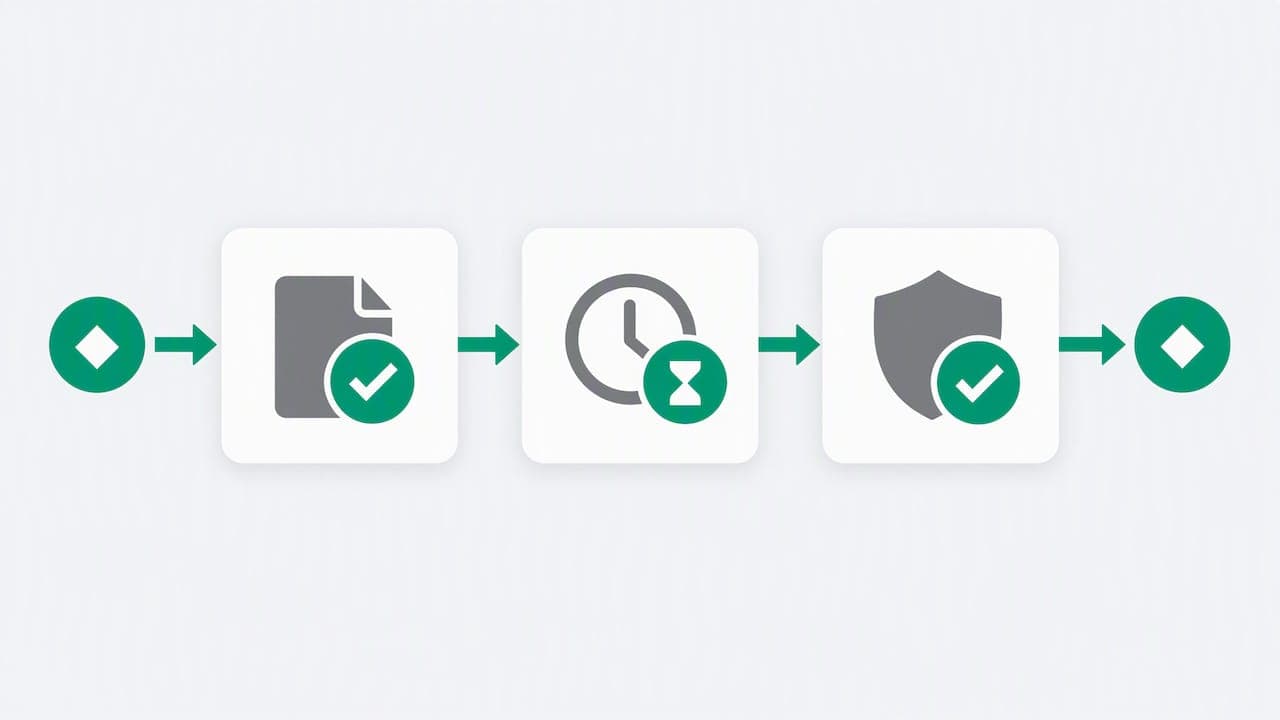
Once the Angular client produces a token or a detection result, the backend decides what it's worth. OWASP's guidance is specific here: when using an invisible score or token, submit it with the intended action and have the server verify success, expiry, reuse status, and the context it was issued for, before processing anything.
Minimum checks on every validated request:
- Token or score was issued for this specific action and hostname, not reused from a different flow.
- Token has not expired and has not already been consumed.
- Edge signals (IP, ASN, TLS fingerprint) are combined with session and account signals rather than evaluated in isolation.
- Rate-limit buckets scale by endpoint sensitivity, with graduated responses: log, then step-up challenge, then tarpit, then soft-block.
A single confidence score is not a decision. OWASP's central point is that no one signal is sufficient on its own: network, session, behavioral, and business-context signals need to be combined, with graduated responses used instead of a binary allow or deny, to avoid misclassifying legitimate users as bots.
Every decision needs an audit trail: the signals considered, the rule that fired, and the outcome. Without that log, you cannot explain why a legitimate customer got blocked, and you cannot tune the rule six months later.
When to apply challenges and alternatives to visible CAPTCHA
Challenges should be selective. Putting a CAPTCHA on every form submission degrades conversion for the overwhelming majority of legitimate visitors to catch a small fraction of abusive traffic.
- Trigger challenges by endpoint sensitivity and request velocity, not as a default on every page.
- Use invisible scoring or attestation tokens for routine protection; reserve visible CAPTCHA for sessions that cross a risk threshold.
- AWS WAF's documented pattern uses a rate-based rule that tracks requests over a five-minute window before invoking CAPTCHA, an illustrative threshold rather than a universal standard.
- Test that legitimate users on screen readers, with ad blockers, or on low-bandwidth connections still complete the flow before shipping a challenge.
Pro Tip: Review CAPTCHA alternatives before defaulting to a visible puzzle. Invisible scoring protects the same endpoint with far less friction for real users.
Operational testing and monitoring checklist for Angular detection
Detection logic that ships without monitoring tends to decay silently as bot behavior shifts. A working checklist:
- Log request ID, bot score, contributing signals, decision reason, IP/ASN, and timestamp on every evaluated request.
- Write synthetic tests for client initialization timing, SSR hydration consistency, and known bot-simulation scenarios.
- Build dashboards tracking traffic quality by risk band, rate-limit bucket saturation, and sudden shifts in score distribution.
- Roll out new rules as canaries on a small percentage of traffic and measure conversion impact before a full rollout.
A tool like BabyLoveGrowth's crawlability audit is useful for confirming that legitimate crawlers and AI bots can still reach prerendered or SSR routes once detection logic is live, since overly aggressive rules can lock out traffic you actually want.
ShieldLabs evidence: what the platform supplies and how teams use its signals
ShieldLabs works as a visitor identification and anonymity-signal detection layer, covering VPNs, proxies, Tor, Apple Private Relay, anti-detect browser detection, and bot traffic. The signals it surfaces are built to plug into the backend validation step described above, not to replace it.
- Identification persists over time, recognizing a returning visitor with high accuracy despite cleared cookies, incognito mode, IP rotation, and months between visits.
- Every score ships with the underlying signals that produced it, so the decision stays auditable rather than opaque.
- Traffic risk is broken into clean, low, medium, and high bands at the property level, which maps directly onto the graduated response model OWASP recommends.
Those scores and signals feed into your own backend rules and logs. The decision to challenge, rate-limit, or reject a request stays in your code.
Short checklist and recommended first steps for engineering leaders
Start with the endpoints that carry the most risk: signup, checkout, and account recovery. Add layered rate limits there first, and make sure every decision gets logged with its contributing signals.
Deploy Angular-side telemetry collection now, but route every enforcement decision through server-side validation, never the client. Run a small canary of any new step-up challenge and watch conversion before expanding it. Document the rules you ship and put a recurring review on the calendar, since bot behavior shifts faster than most teams revisit their thresholds.
— Jeff
Try ShieldLabs as your detection layer
Setup takes about five minutes with a single JavaScript snippet, and Angular has a dedicated integration guide alongside React, Vue, and other frameworks. The free tier covers 5,000 identifications with no card required, and published plans start at $79 per month on the ShieldLabs pricing page once you outgrow it. We supply the signals and the risk scores behind them; your backend keeps the final say on every action.
FAQ
How to do bot detection?
Bot detection combines edge-level signals (IP reputation, rate limits), application-level signals (device and session telemetry collected client-side), and backend validation of tokens and account patterns. No single layer is sufficient on its own, per OWASP's layered model.
Why am I being detected as a bot?
Legitimate sessions sometimes trigger bot flags when they share characteristics with automated traffic, such as unusual request timing, a spoofed or outdated user agent, or a flagged IP range. This is why graduated responses, like a step-up challenge instead of an outright block, matter more than a single binary signal.
What is the best software for detecting bots?
The right choice depends on what you need: open-source libraries like BotD handle client-side automation detection, while platforms like ShieldLabs add persistent visitor identification, anonymity signal detection, and auditable risk scoring up to 99% accuracy for returning visitors. Most teams combine a lightweight client library with a backend-validated scoring layer rather than relying on either alone.
Can bots be detected?
Yes, though no detection method catches every automated request every time. Combining network-level signals, client-side telemetry, and backend behavioral analysis, as OWASP recommends, catches a wide range of automation while keeping false positives against real users manageable.
Sources
- Server-side rendering • Angular
- Bot Management and Anti-Automation - OWASP Cheat Sheet Series
- fingerprintjs/BotD
- Use AWS WAF CAPTCHA to protect your application against common bot traffic
Recommended
Related articles
Developers: Build Privacy First React Bot Detection With One JS Snippet
Developer playbook for privacy first React bot detection. Use invisible attestation, graduated responses, and auditable ShieldLabs signals. One JS snippet...

6 Step Datacenter Proxy Detection Workflow for Fraud Teams
Practical production guide for fraud teams: detect datacenter proxies by pairing ASN, rDNS, device/TLS telemetry and IP population signals.
Device Spoofing Detection for Web Fraud Teams
How browser, device and TLS signals reveal spoofing on the web, plus where mobile attestation belongs in a separate defense layer.