

Identification

Identify Every Anonymous Website Visitor

Turn anonymous traffic into visitors and users you recognize, so you can stop fraud and welcome the real ones back
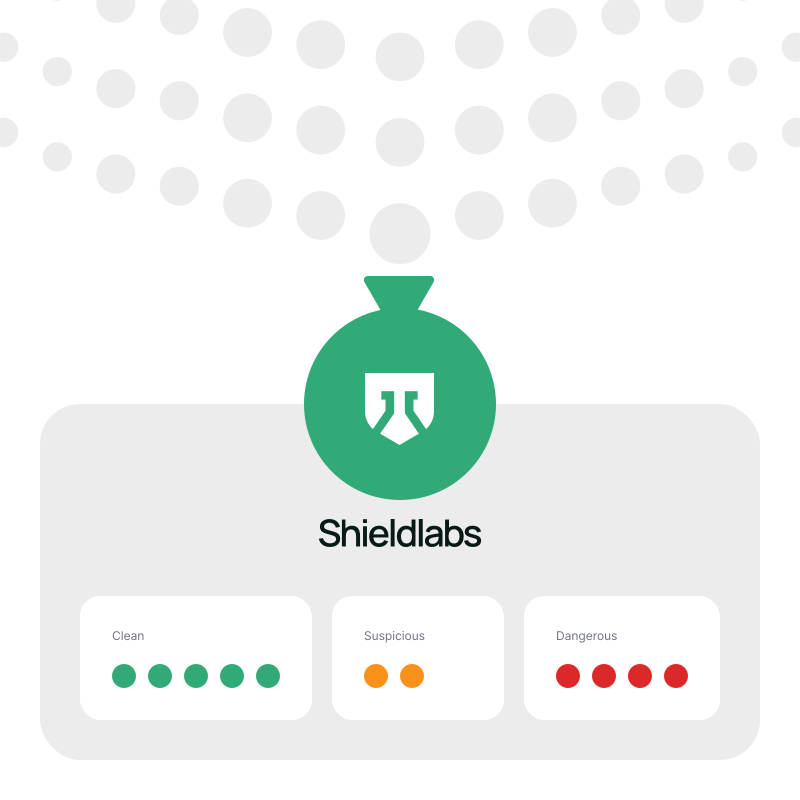
Anonymous traffic passes through ShieldLabs logo and becomes identified visitors color-coded by risk level

See the real visitor

Recognize every visitor and user, even the anonymous ones

Stop fraud before it scales

Prevent fraud and abuse at the root, before it spreads

Know your real traffic

See how much of your traffic is actually real

Welcome your best visitors

Give returning visitors a smoother, more personal experience

Accurate identification

One persistent identity

Identify returning visitors and users across sessions, cleared cookies, incognito mode, and rotated IP

No login, no PII

Recognize returning visitors and users with no login and no personal data

One person, every account

Connect the sessions, devices, and accounts that all trace back to one real person

Web and mobile

Run identification in any modern browser, on desktop and mobile

One layer does it all

Every identification comes with everything you need to act on it, not just an ID

Risk Signals

Detection of VPN, proxy, Tor, anti-detect browser, IP reputation and other risk signals on every visit, with 99.9% risk signal detection accuracy
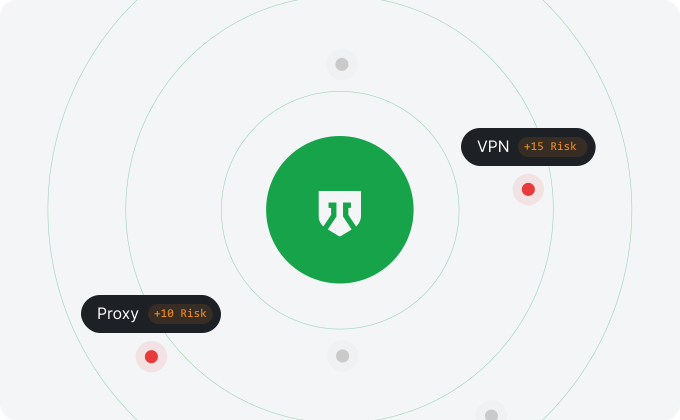
Risk Signals

Risk Score

A ready-to-use score reflecting the risk of each visit, with the weight of every signal behind it
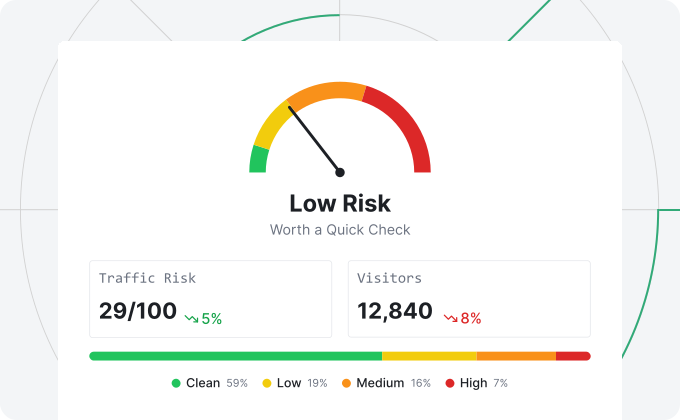
Risk Score

High-Risk Events

Direct detection of Multi-accounting, Account sharing, Impossible travel, and Account takeover, each with Medium or High confidence
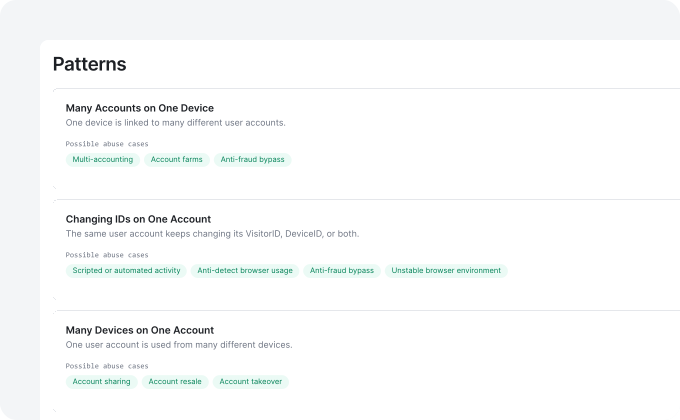
High-Risk Events

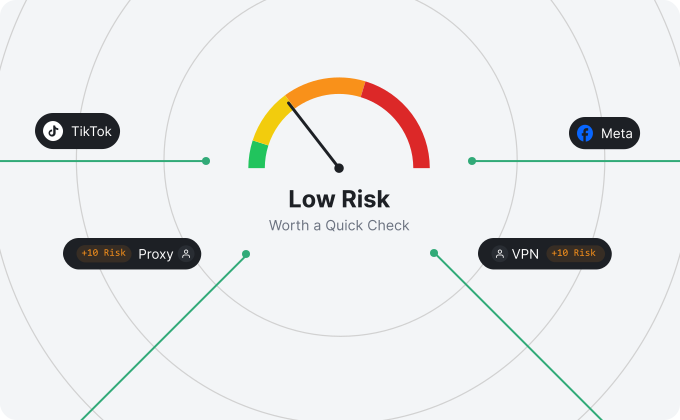
Real-Time Analytics

See how much of your traffic is masked, with an overall quality score and a breakdown of the sources sending your visits
Real-Time Analytics

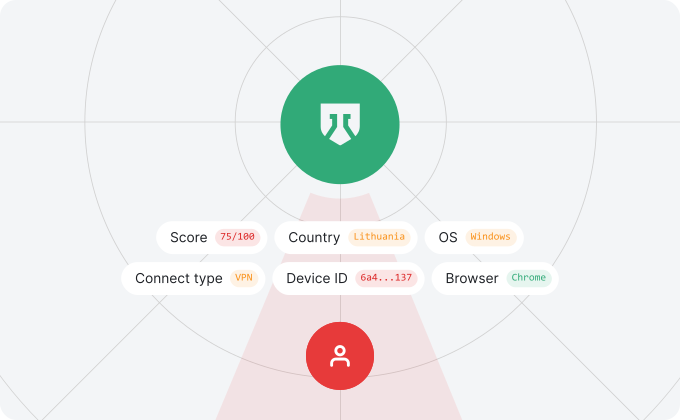
Full Context

Device, OS, browser, location, and connection type on every visit
Full Context

Start identifying visitors in 5 minutes

Drop one snippet on any signup, login, or page, with no backend setup

  1. 1

    Create your account

    Create an account and get 5,000 free identifications

  2. 2

    Install the snippet

    Add one JavaScript snippet to your site

  3. 3

    View your analytics

    Watch identities, risk signals, risk scores, and High-Risk Events in your traffic

  4. 4

    Connect API & Webhooks

    Look up any visitor's or user's history and act on the result in your backend

api.shieldlabs.ai/v1/visits/latest
{
  "request_id": "0c284695-cf0b-4755-8beb-0a2e9536595e",
  "visitor_id": "aa8c616a-8a25-4a5e-bee2-a9a08e5128a4",
  "device_id": "6a45967d-1371-9652-ba99-b01ea3992208",
  "user_hid": "u_9f2a41c7",
  "public_ip": { "ip": "62.197.149.124", "country": "United States" },
  "local_ip": { "ip": "45.83.91.7", "country": "United States" },
  "connection_type": "vpn",
  "os": "Windows",
  "browser": "Chrome",
  "device_type": "desktop",
  "risk_score": 85,
  "signals": [
    { "name": "antidetect_browser", "weight": 60 },
    { "name": "vpn", "weight": 15 },
    { "name": "timezone_mismatch", "weight": 10 }
  ]
}

Know who is behind every visit

Free 5,000 one-time identifications, with transparent pricing that scales with your traffic

Frequently asked questions

ShieldLabs identifies anonymous website visitors without cookies by combining 300+ signals into a persistent identifier that survives cleared storage, rotated IPs, and incognito mode. No cookies or logins are required. The identifier is built from signals across four layers: Device: a stable device identifier derived from hardware and configuration attributes; OS and browser: version, rendering, and environment characteristics; Network: IP, egress IP behind anonymization, and connection type; Cross-session linking: precise identifiers that tie repeat visits back to the same entity. ShieldLabs returns precise identifiers on the first visit, so a returning visitor is recognized even after they clear cookies or switch to a new IP.

Yes. ShieldLabs identifies visitors on VPN, proxy, or incognito connections by analyzing every visit across multiple layers at once, instead of relying on the IP alone. It surfaces anonymized connections by type: VPN and proxy: flagged through IP and network analysis; TOR and Privacy Relay: recognized from connection characteristics; Datacenter and residential ISP: distinguished by network context; Real IP: an additional check reveals the egress IP even when the visitor masks it. ShieldLabs keeps the same persistent identifier across these connections, so a visitor stays recognizable whether they arrive on a clean IP, a VPN, or an anti-detect browser.

An identity graph links visitors, devices, and user accounts that belong to the same real person into connected clusters. It matters because most abuse hides across seemingly unrelated identities that look independent on their own. ShieldLabs uses these links to detect High-Risk Events directly: Multi-accounting, Account sharing, Impossible travel, and Account takeover, so you can see the abuse in your analytics dashboard and stop it with the API and Webhooks.

ShieldLabs tracks anonymous users in one analytics dashboard that shows your full traffic picture in real time, with every visit tied to a persistent identifier instead of a one-off session. The analytics dashboard breaks traffic down by: Risk: overall traffic risk score and a breakdown by risk band, Trusted, Suspicious, or Dangerous; Anonymity: the risk signals present on each visit; Recurrence: returning versus new visitors; Distribution: country, browser, OS, device type, and connection type. ShieldLabs updates this view live, so you can assess traffic quality and spot abuse at a glance without instrumenting events yourself.

ShieldLabs re-identifies returning visitors across sessions with 99.9% identification accuracy by correlating signals from multiple layers rather than depending on any single fragile attribute. Accuracy holds because the identifier is: Cross-layer: built from device, OS, browser, and network signals together; Self-correcting: a cross-layer mismatch flags tampering instead of breaking the match. ShieldLabs returns the first identifier on the first visit and keeps it stable on every return, even when cookies are cleared or the IP rotates.

Yes. Website owners see every visitor as a stable, persistent identifier with full context, even when the visitor never logs in or shares any personal details. Each visitor record includes: Identity: precise identifiers assigned on the first visit; Context: device, geolocation, and connection type; Risk: risk signals and a risk score; Connections: accounts and devices linked to the same entity. ShieldLabs identifies visitors as entities, not named individuals, so you get the full shape of your traffic without collecting personally identifying information.

You can go live in about 5 minutes by adding a few lines of JavaScript to your site, and identification starts on the first visit. Integration has three steps: Install: drop the JavaScript snippet into your site; Receive: get precise identifiers and a risk score on every visit; Connect: push results to your backend via Webhooks and look up past activity through the History API. ShieldLabs returns the first signal within roughly 5 minutes of install, so you can act on the results the same day.

Website visitor identification is the process of recognizing every visitor to your site as a stable, persistent entity, even when they clear cookies, rotate IPs, or use incognito mode. It works in three stages: Collect: gather 300+ device, browser, OS, and network signals on every visit; Resolve: combine those signals into one cross-session identifier per visitor; Link: connect related visitors, devices, and accounts into an identity graph. ShieldLabs runs all three stages from a single JavaScript snippet, so every visit links back to the same visitor without requiring a login or PII.

ShieldLabs differs from standard visitor identification software by correlating signals across multiple layers instead of leaning on cookies or IP blocklists that break within weeks. The difference shows up in four places: Resilience: the identifier survives cleared cookies, rotated IPs, and incognito mode; Anonymization: it identifies anti-detect browsers and reveals the egress IP behind proxies; Linking: an identity graph connects visitors, devices, and accounts into one entity; High-Risk Events: direct detection of Multi-accounting, Account sharing, Impossible travel, and Account takeover. ShieldLabs delivers this signal depth as enterprise-level functionality without enterprise pricing, and you can start free.