

Identification
Identify and collect 300+ signals across device, OS, browser, IP, and network layers, detecting inconsistencies
Know every visitor hiding behind anonymization tools, in real time
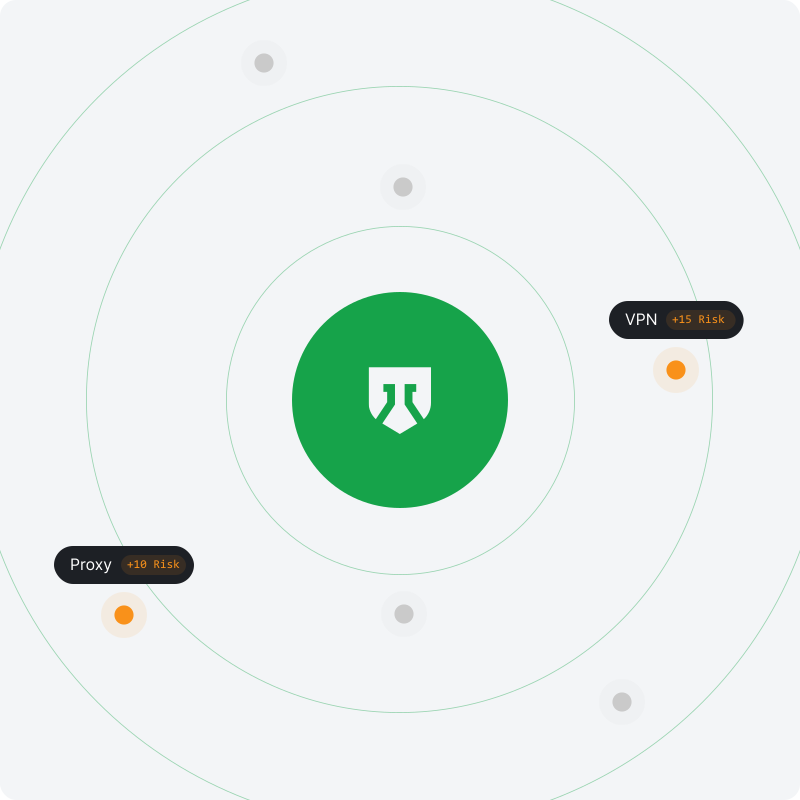
Identify and collect 300+ signals across device, OS, browser, IP, and network layers, detecting inconsistencies
Measure anonymous risk across traffic, with per-visitor signal data and High-Risk Event detection
Score every visitor 0-100 with a signal-by-signal breakdown
Get detailed identification, risk score, and risk signal data, ready to act on in your backend
The complete risk signal set, returned on every visit
Reveal the real IP behind a masked connection, even on fresh or residential addresses that look clean
Determine the geographic location and timezone of the real IP address
Detect traffic routed through a VPN to mask the real IP address and location
Detect traffic routed through proxy servers
Detect connections through the Tor network, the highest-effort anonymization method
Detect Apple's iCloud Private Relay connections
Detect connections from cloud providers, data centers, and hosting infrastructure
Detect IP addresses with poor reputation, reported in IP blocklist and IP reputation databases for fraud or policy violations
Detect browsers specifically engineered to appear as a completely different identity on every visit
Detect browsers driven by an automation framework instead of a real person
Detect spoofed or inconsistent geographic location signals
Detect inconsistencies and anomalies in the reported operating system
Detect visitors masking identity and history through incognito mode
Flag when the visible IP does not match the real IP revealed behind the connection
Flag paid ad clicks arriving on anonymized connections before they reach your attribution
Sign up free
Create a free account with 5,000 identifications included
Install the snippet
It identifies every visitor and returns their risk signals and a risk score
Check your traffic quality
See how much of your traffic is masked, with an overall traffic score
Use the API and Webhooks
Act on the risk score and risk signals in your backend to stop fraud and abuse
{
  "request_id": "0c284695-cf0b-4755-8beb-0a2e9536595e",
  "visitor_id": "aa8c616a-8a25-4a5e-bee2-a9a08e5128a4",
  "device_id": "6a45967d-1371-9652-ba99-b01ea3992208",
  "user_hid": "u_9f2a41c7",
  "public_ip": { "ip": "62.197.149.124", "country": "United States" },
  "local_ip": { "ip": "45.83.91.7", "country": "United States" },
  "connection_type": "vpn",
  "os": "Windows",
  "browser": "Chrome",
  "device_type": "desktop",
  "risk_score": 85,
  "signals": [
    { "name": "antidetect_browser", "weight": 60 },
    { "name": "vpn", "weight": 15 },
    { "name": "timezone_mismatch", "weight": 10 }
  ]
}Free 5,000 one-time identifications, with transparent pricing that scales with your needs