

Anonymous Signals

Detect anti-detect browser usage on every visit

ShieldLabs' anti-detect browser detection signal identifies browser profile spoofing used for multi-accounting and abuse, on every visit, in real time
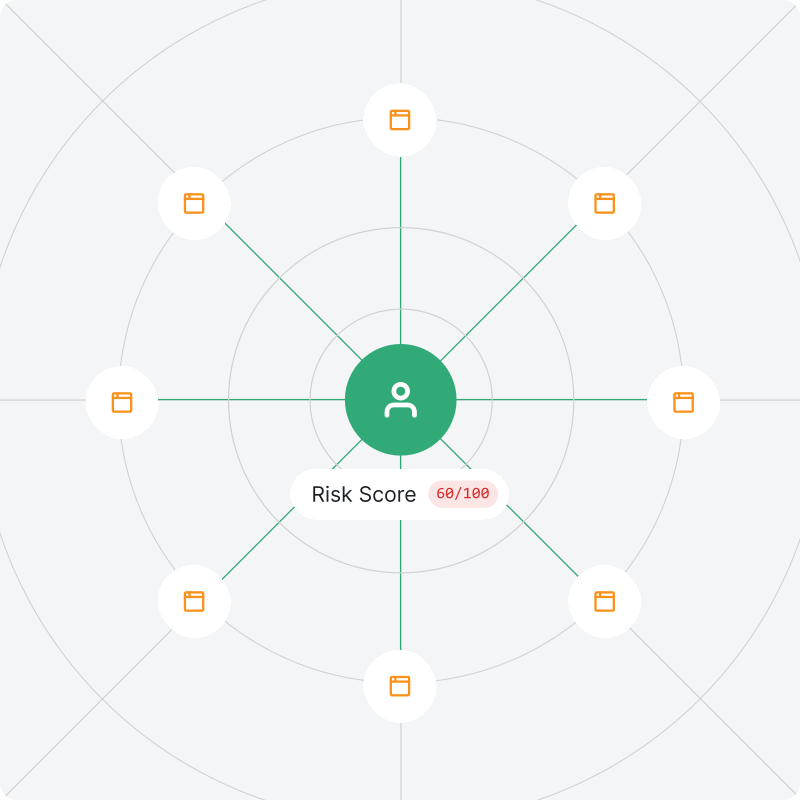
Anti-detect browser detection illustration

How ShieldLabs helps

Visitor identification

Identification of visitors using anti-detect browsers

Anonymization detection

Detect VPN and proxy alongside anti-detect browser signals

High-Risk Event detection

Detect multi-accounting, account sharing, and account takeover behind anti-detect browsers

Protect your product from the real cost

Anti-detect browsers let a single user run dozens of isolated browser profiles simultaneously, each appearing as a different, legitimate user to standard detection. They replace every signal websites rely on: browser version, device type, location, and connection. The result is fraud that looks exactly like organic traffic

Claiming trials, welcome bonuses, and onboarding credits under fresh profiles

Cycling through identities to claim promotions, cashback, or referral payouts repeatedly

Returning after being blocked, suspended, or flagged, under a profile that looks new

Inflating campaign metrics with sessions that were never real customers

Testing stolen login credentials at scale behind rotating profiles that bypass rate limits

Multiplying wallet addresses and identities to farm activity in crypto airdrops and reward campaigns
api.shieldlabs.ai/v1/visits/latest
{
  "request_id": "0c284695-cf0b-4755-8beb-0a2e9536595e",
  "device_id": "6a45967d-1371-9652-ba99-b01ea3992208",
  "visitor_id": "aa8c616a-8a25-4a5e-bee2-a9a08e5128a4",
  "session_id": "aa8c616a-8a25-4a5e-b4e2-a9a08e5128a4",
  "cookie_id": "aa8c616a-8a25-4a5e-j4e2-a9a08e5128a4",
  "traffic_source": {
    "channel": "Google Ads",
    "reason": "gclid_present",
    "referrer_domain": "google.com",
    "landing_url": "https://site.com/pricing?utm_source=google&utm_medium=cpc&utm_campaign=brand_ru&utm_content=banner_1&utm_term=shieldlabs"
  },
  "ip": "62.197.149.124",
  "country": "Lithuania",
  "connection_type": "vpn",
  "antidetect_browser": true,
  "os": "Windows",
  "browser": "Chrome",
  "device_type": "desktop",
  "user_hid": "guest",
  "score": 90,
  "signals": [
    { "name": "antidetect", "risk": 60 },
    { "name": "os_mismatch", "risk": 60 },
    { "name": "proxy", "risk": 10 },
    { "name": "timezone_mismatch", "risk": 10 }
  ],
  "webrtc_ip": "62.197.149.124",
  "webrtc_country": "Lithuania",
  "javascript_enabled": true,
  "timestamp": "2026-04-23T12:37:04Z"
}

Get started with anti-detect browser detection

Anti-detect browser detection provides a single response with:

  1. 1

    Identification

    Every visitor gets a stable identity that persists across session resets, IP rotation, and cookie clears

  2. 2

    Anonymization signals

    VPN and proxy detected alongside anti-detect browser usage

  3. 3

    Risk Score

    All active signals combined into a single 0–100 score for the visitor profile

  4. 4

    Traffic source

    Acquisition channel, referrer domain, landing URL, and full UTM parameters attributed to every visit

Analyze abuse in your traffic

Analyze visits by traffic source and UTM parameters to see where anti-detect browser usage concentrates across your acquisition channels

Traffic Sources

Channel breakdown by request volume, traffic share, and traffic risk.

ChannelRequests / ShareTraffic Risk
Google Ads
12,480
32.4%
18Trusted
Meta
8,210
21.3%
42Suspicious
TikTok
4,520
11.7%
71Dangerous
Organic Search
5,670
14.7%
8Trusted

Request Signals

Anti-detect Browser
1 350 visits · 5.4%
Dangerous

High-Risk Events Summary

Medium confidence
3 250
High confidence
1 170

High-Risk Events

See which accounts behind anti-detect browsers trigger High-Risk Events across your product, with Medium or High confidence and the scale of each event

Multi-accounting

Account farmsBonus abuseBan evasion
Accounts
1,243
Medium870
High373
Devices
2,105
Medium1,490
High615

Account sharing

Account resaleSubscription abuse
Accounts
530
Medium380
High150
Devices
870
Medium590
High280

Impossible travel

Location spoofingShared sessions
Accounts
412
Medium300
High112
Devices
655
Medium470
High185

Account takeover

Credential stuffingStolen sessions
Accounts
678
Medium430
High248
Devices
910
Medium610
High300

See anti-detect browser activity on your traffic

Analyze traffic and stop abuse

Frequently asked questions

An anti-detect browser is a specialized browser that replaces device fingerprint signals per profile, making each one appear as a completely separate device, even when dozens run on the same machine. Standard fingerprinting returns a clean result for each profile. The visitor looks new every time

Standard fingerprinting identifies a device by its combination of browser signals. Anti-detect browsers are built specifically to defeat fingerprinting by spoofing those signals per profile. ShieldLabs detects the presence of the browser type as a dedicated signal, separate from fingerprint matching

ShieldLabs detects anti-detect browsers on every visit and helps block fraudulent and abusive traffic. It returns a risk score and signal breakdown, ready out of the box, and you choose the action for each case: block, challenge, flag for review, or monitor

5 minutes. Install the JavaScript snippet and signals appear on live traffic immediately. Access results via the analytics dashboard, API, or Webhooks. Start on the Free tier and watch anti-detect signals on live traffic before you act on the risk score in your backend

Yes. The analytics dashboard shows anti-detect browser activity by traffic source without writing a single line of code. Every visit includes channel, referrer domain, landing URL, and full UTM parameters, so analysts can see which campaigns and ad groups attract fraudulent traffic

Yes. QA testers, researchers, and privacy-focused users sometimes use them to simulate different environments. In practice, the majority of anti-detect browser traffic in business contexts is associated with abuse