

Account takeover detection for web apps: the signal layer at login

Last updated on September 23, 2026 · 10 min read
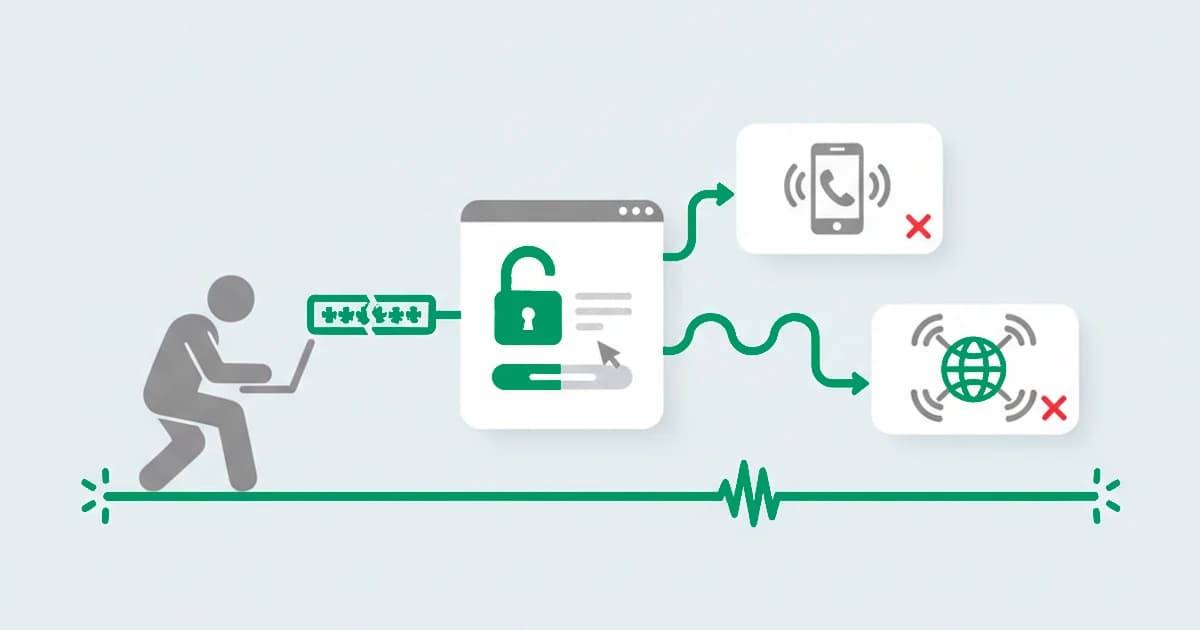
The FBI logged more than $262 million in account-takeover losses in 2025, and almost none of it looked like an attack at the moment it happened. Account takeover does not break the door down; it walks in with a working username and password.
By the time a request reaches your login endpoint, the credentials are already valid, so the question detection has to answer is not "is this password correct?" but "is this really the person who owns the account?" The most useful place to ask it is at the login, and the most useful thing to read there is the device and the network behind the request.
Key takeaways
- Account takeover is an attacker accessing a legitimate account with credentials they obtained, usually through credential stuffing, phishing, or a breach. The password is right; the person is wrong.
- The detectable moment for a web app is the login attempt, and the readable signal is the device and connection: a login from a device the account has never used, over an anonymized connection, or from an impossible location.
- A password check passes a thief, and MFA is essential but blunt on its own. The device-and-network read is what tells you which logins to challenge and which to wave through.
- Most account takeover runs on credential stuffing, leaked passwords replayed at scale. The bots rotate IPs, so the device behind the attempts is the more stable thing to read.
- The signal layer works alongside your authentication. It flags risky logins with a risk score and the named signals, and you choose whether to step up, hold, or allow.
What is account takeover (and where detection happens)?
Account takeover, often shortened to ATO, is when an attacker gains access to a user's existing account using credentials they should not have. The credentials are typically harvested elsewhere, through a data breach, phishing, malware, a SIM-swap against SMS codes, a man-in-the-middle interception, or plain social engineering, and then replayed against your login, most often at scale through credential stuffing. Because the username and password are genuine, nothing about the credentials themselves looks wrong, which is exactly what makes it hard to catch on the password alone.
The scale keeps climbing. Javelin Strategy's 2026 Identity Fraud Study counted 6 million US account-takeover victims in 2025, up from 5.1 million in 2024, and put the losses above $15 billion, which made it the costliest type of identity fraud that year. The two figures measure different things: the FBI logs only the complaints reported to its IC3 center, while Javelin extrapolates total consumer losses from a national survey, which is why the survey total runs far higher.
The 2024 Snowflake campaign is a textbook case: attackers used credentials harvested by infostealer malware to sign into roughly 165 customer accounts that had multi-factor authentication turned off, and because every login carried a valid username and password, nothing about the authentication itself looked wrong.
For a web application, the moment you can act is the login attempt. Everything before it happened on someone else's system, the breach, the phishing, the credential list traded online, and is out of your reach. What arrives at your endpoint is a request, and that request carries a device, a browser, and a network connection whose details the attacker did not inherit along with the password. Reading those is the difference between a check that only confirms the password and one that asks whether the session looks like the account's real owner.
Why "just add MFA" is not the whole answer
Multi-factor authentication is the single most important control in any account takeover protection strategy, and you should have it. It is also not, by itself, a complete answer, which is why detection still matters.
MFA has known gaps: prompt-bombing and MFA fatigue, SIM-swap attacks against SMS codes, session-token theft that skips the login entirely, and the plain fact that challenging every user on every login adds friction that pushes teams to weaken it. A password check passes a thief outright, and a blanket MFA prompt treats your most loyal customer the same as the attacker.
The gap MFA leaves is a targeting problem: which logins deserve a challenge? That is where a risk signal at login earns its place. Reading the device and network on each attempt lets you raise the bar only when the session looks wrong, a new device on a dormant account, an anonymized connection, a location the account could not have travelled to, and leave a recognized device on a normal connection alone. The signal does not replace the second factor; it decides when to ask for it.
The signals that flag a suspicious login
A suspicious login gives itself away because the attacker can carry the password across but not the account's usual device and connection. No single signal is a verdict; the read is how far the session drifts from how this account normally signs in. The tells that do the work:
| Signal at login | What it suggests | Strength |
|---|---|---|
| A device this account has never used | the credentials moved to someone else's machine | High |
| An anonymized connection: VPN, proxy, Tor, or anti-detect browser | the origin is being masked, common in stuffing and resale | Medium-High |
| Impossible travel between two logins | the same account in two places it could not reach in the time | High |
| A burst of failed logins across many accounts | the footprint of credential stuffing, not one forgetful user | Medium-High |
| A device seen across many "different" accounts | one actor working through a list of stolen credentials | High |
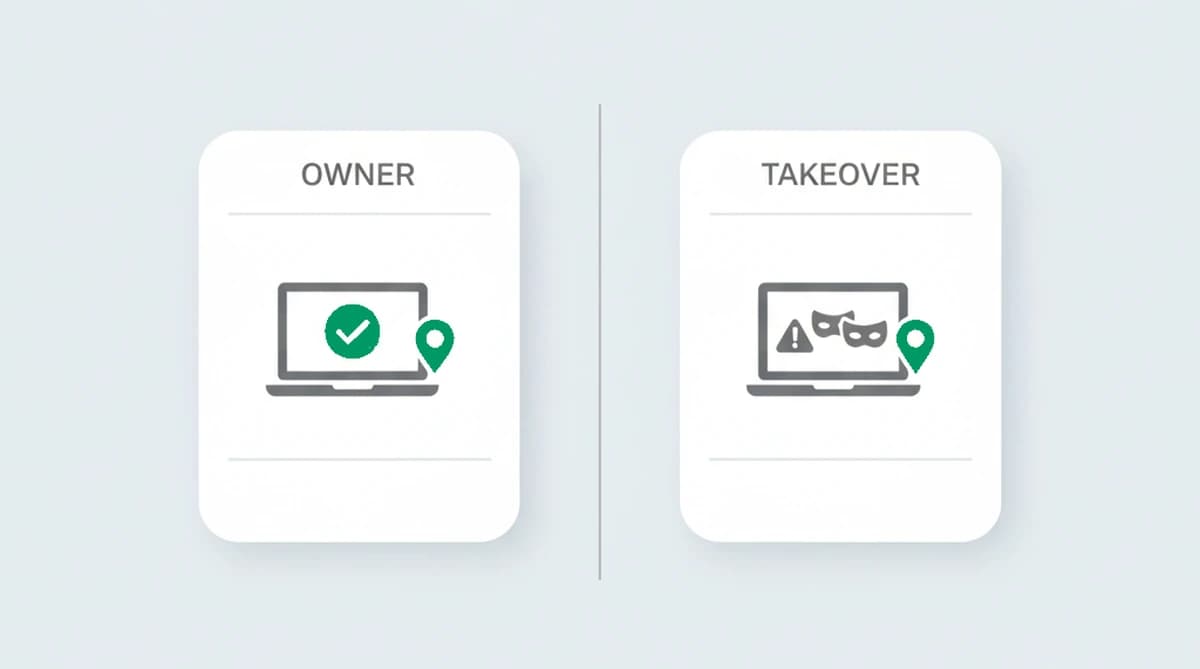
The strongest single read is the device, because it is the thing the attacker cannot copy from the breach. A returning customer signs in from the same handful of machines for months; a takeover arrives on a device the account has never touched, often behind a connection built to hide where it came from. A defender weighs these into a risk score rather than acting on any one row, so a traveller on a new laptop is not mistaken for an attacker.
How to read a login for takeover risk:
- Read the device and connection on each login attempt, before access is granted.
- Check the device against the ones this account has signed in from before.
- Check the connection for risk signals like a VPN, proxy, or Tor.
- Weigh the signals, including impossible travel and credential-stuffing patterns, into a risk score.
- Choose the action for each case: step up, hold, or allow.
Credential stuffing is the engine, and why the device beats the IP
Most account takeover attacks are not hand-crafted; they are automated, and the engine is credential stuffing. Credential stuffing takes username-and-password pairs leaked in one breach and replays them against many other services, betting on the fact that people reuse passwords. It is one of three password attacks worth telling apart, and how it differs from brute force and password spraying comes down to what the attacker already knows. The scale is industrial: credential-stuffing campaigns replay leaked password lists against login endpoints at enormous volume, and a small success rate on that volume is still a lot of taken-over accounts. Those leaked passwords are the dominant way in: Verizon's 2025 Data Breach Investigations Report found stolen credentials were the initial access vector in 22 percent of confirmed breaches, and involved in 88 percent of breaches that hit basic web applications.
A stuffing run is built to dodge IP rules. The attempts come from a botnet or a pool of proxies, so the source IP changes constantly and no single address looks busy enough to flag. What changes far less is the machine driving the attempts. Reading the device ties the rotating IPs back together, so a thousand "different" visitors resolve into one automated source working a credential list.
We ran a stuffing-style pattern through the signal layer and the device read held where the IP read fell apart: the source address changed on nearly every attempt, while one device identifier tied the wave of "different" logins back to a single machine working a list. The device is the part an attacker cannot lift from a breach. That gap grew impossible to ignore after Collection #1, a compendium of hundreds of millions of breached credentials, surfaced in 2019 and handed stuffing runs more material than any address blocklist could keep pace with.
To be clear about scope, this reads the device and connection of each session to recognize the same machine and the masking behind it. Proving a visitor is human is a separate job that belongs to bot management or CAPTCHA.
Detection, prevention, and response are three jobs
These get blurred into "stop account takeover," but they are separate jobs with separate owners, and naming the split keeps expectations honest:
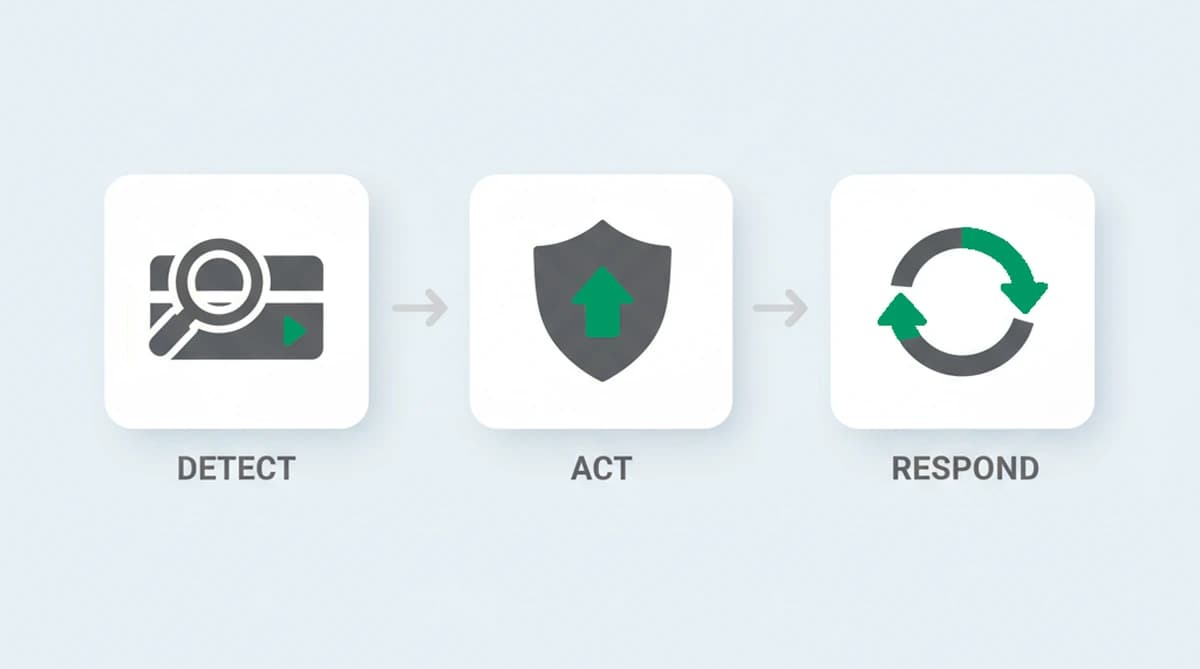
- Detection is the read at login: scoring the device, network, and pattern to decide how much this session looks like the account's owner. Done on every attempt, this is what account takeover monitoring means in practice. This is the signal layer.
- Prevention is the control that acts on the score: a step-up MFA challenge, a hold for review, a forced password reset, or simply allowing a clean login. This lives in your authentication stack.
- Response is what happens after a confirmed takeover: killing active sessions, re-authenticating the user, notifying them, and rolling back fraudulent changes.
A detection signal is only useful if your prevention layer is wired to act on it, and a response plan only matters once detection has flagged something to respond to. The point of separating them is that no single account takeover solution does all three, and a tool that claims to is over-promising.
Where takeover detection fits with your auth stack
A device-and-network detection layer reads each login, returns a risk score, and flags the takeover itself. Authentication, password storage, your MFA, firewall packet inspection, and behavioral biometrics live in your identity and security stack. What the detection adds is the input those tools lack on their own: an independent read of whether this session is coming from the account's usual device and a normal connection, or from a new machine behind a mask.
In practice the two halves chain together. The detection layer scores the login and flags the takeovers; your authentication stack acts on a high score with a second factor, a hold, or a re-verification, while a low score lets a recognized user straight through with no friction. The detection keeps your step-up challenges aimed at the logins that deserve them.
Which industries account takeover hits hardest
Takeover follows stored value and reusable access, so the accounts worth stealing decide where it lands hardest:
- Banking and fintech. An account is direct access to money and payment rails, which makes it the highest-value target and the reason credential lists get replayed here first.
- E-commerce and retail. Saved cards, stored balances, and loyalty points turn a hijacked shopper account into an easy cash-out.
- Gaming. In-game currency, rare items, and skins have a real resale market, so a taken-over account is inventory to liquidate.
- Streaming and subscriptions. Working logins are resold in bulk, and widespread password reuse makes stuffing runs cheap and effective.
- Social, email, and telecom. These accounts are the recovery key to everything else, so taking one over unlocks the others, and a SIM-swap against SMS codes is a common way in.
The value differs, but the tell does not: the password arrives valid while the device and connection behind the login belong to someone the account has never used.
Detecting account takeover with ShieldLabs
ShieldLabs detects account takeover by reading the device and network behind each login. You add one JavaScript snippet to your login page, and on each attempt it returns a risk score from 0 to 100 with the named signals behind it: whether the device is one this account has used before, and whether the connection carries risk signals like a VPN, proxy, Tor, or anti-detect browser. Across accounts, its High-Risk Events detect account takeover directly, the new-device-and-new-country signature of compromised credentials, and impossible travel, when one account appears in places it could not reach in the time, each with Medium or High confidence.
ShieldLabs scores the session, device, and network on a 0 to 100 risk score and names the risk signals that fired, with the High-Risk Events surfaced in the analytics dashboard. You read the risk score and named risk signals through the API and webhooks and choose the action for each case: trigger step-up authentication, hold the session for review, or allow it, so a legitimate user on a new laptop meets a quick second factor rather than a wall. That targeting is how a team can prevent account takeover fraud without challenging every customer on every login. The same identity layer carries into account takeover prevention, multi-accounting prevention, and new-account fraud prevention.
Sources
- SecurityWeek (FBI figures): Account Takeover Fraud Caused $262 Million in Losses in 2025
- Javelin Strategy & Research: 2026 Identity Fraud Study: The Illusion of Progress
- Verizon: 2025 Data Breach Investigations Report
- OWASP: Credential Stuffing
- Wikipedia: Credential stuffing
- Wikipedia: Snowflake data breach
Frequently asked questions
- What are the red flags for account takeover?
- The common red flags are a login from a device the account has never used, an anonymized connection like a VPN, proxy, or Tor, a location the account could not have travelled to since its last login, and a burst of failed login attempts that points to credential stuffing. After access, sudden changes to the password, email, or phone number on the account are classic post-takeover signs. None is proof on its own; together they raise the risk enough to challenge the session.
- What is an example of account takeover?
- A common example is credential stuffing. An attacker takes a username and password leaked in one site's data breach and replays the pair against your login, betting the customer reused it. The password works, so the attacker signs in, often from a new device behind a VPN, and then changes the account's email or password to lock the real owner out. The login itself looks ordinary; what gives it away is the unfamiliar device and connection behind it.
- What is the difference between account takeover and identity theft?
- Identity theft is the broader crime of stealing someone's personal information to impersonate them, often to open new accounts in their name. Account takeover is the narrower act of seizing an account the person already has, usually with stolen login credentials. For a web application, the takeover case is the one you can act on at login, by reading whether the session matches the account's real owner.
- Can you detect account takeover without MFA?
- Detection and MFA do different jobs, so yes, but they work best together. Reading the device and network at login can flag a suspicious session whether or not MFA is enabled, which is what tells you which logins to challenge in the first place. MFA is the control that acts on a risky login; the detection signal is what decides when to demand it instead of prompting every user every time.
- Does ShieldLabs stop account takeover?
- Yes, as the detection layer. ShieldLabs detects account takeover directly: it scores each login on device and network signals, names the evidence, and flags the takeover with Medium or High confidence, helping block fraudulent logins. You choose whether to step up, hold, or allow each one. It complements MFA and your auth stack rather than replacing them, and the free tier covers your first 5,000 identifications.
Related articles
Stop Sybil Attacks Without KYC: Evidence-First Prevention for Marketplaces
Build an evidence-first defense for marketplace Sybil attacks: payment-weighted reputation, graph-based detection, device and anonymity signals, plus...

How to stop multi-accounting in online gambling: sportsbooks, poker, and casinos
How to stop multi-accounting in online gambling: why players open multiple betting accounts, the signals that link them to one person, and an operator playbook.

How to detect betting bots on sportsbooks, casinos, and poker sites
How to detect betting bots: the five kinds operators face, the device, network, and timing signals that expose them, and how to stop bot-driven abuse.