

Browser spoofing: what it is and how spoofed browsers give themselves away

Last updated on July 4, 2026 · 9 min read
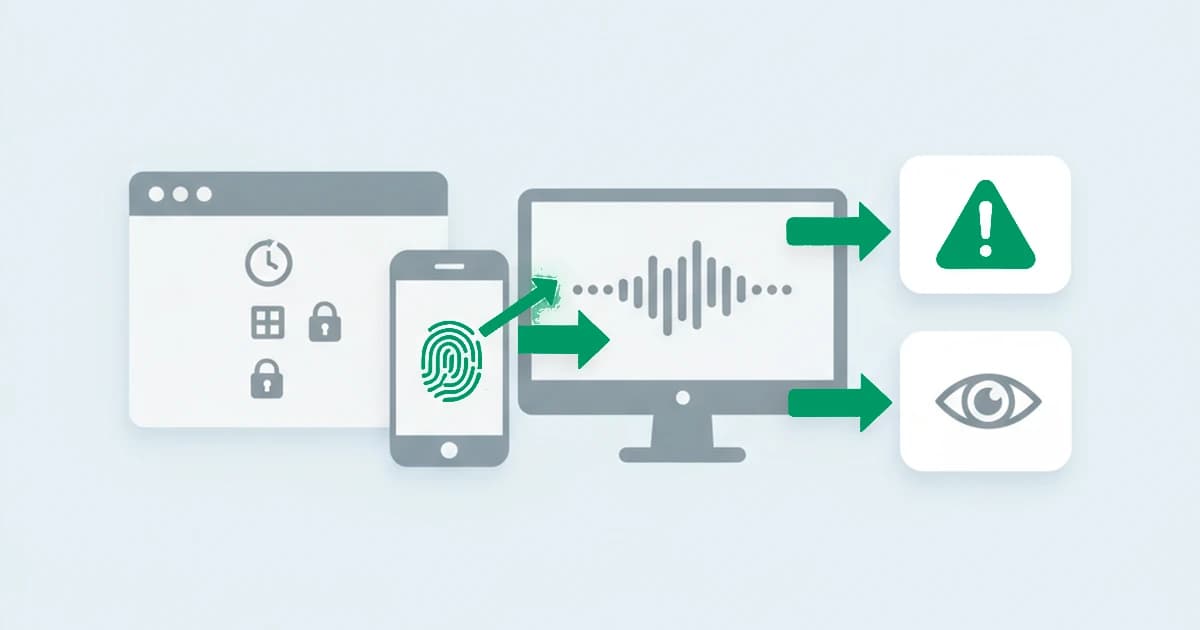
The user agent is the easiest thing in a browser to change and the least trustworthy thing to believe. A session can announce itself as Safari on an iPhone in three seconds with a free extension, while the machine underneath is a desktop running an automation script. Browser spoofing is the practice of making that announcement lie on purpose, and it is how one device can walk through a signup, a checkout, or a login page wearing a different face each time. This guide explains what browser spoofing is, what actually gets faked, and the part most write-ups skip: why a spoofed browser almost always gives itself away.
Key takeaways
- Browser spoofing is deliberately altering the attributes a browser reports, its user agent, operating system, screen, language, and timezone, so it looks like a different browser, device, or location than the real one.
- User-agent spoofing is the simplest and most common form, because the user-agent string is just text the client chooses and any extension or line of code can rewrite it.
- The signals that are easy to fake are the ones a browser declares; the signals that are hard to fake are the ones it produces, like how it renders graphics or how its network stack behaves.
- A spoof rarely fakes every layer consistently, so the tell is the contradiction: a session that claims one device while its rendering, timezone, or network layer says another.
- A detected contradiction means the session is inconsistent, not that it is guilty. There are legitimate reasons to spoof, so it is a risk signal to weigh, never a standalone verdict.
What is browser spoofing?
Browser spoofing is the practice of deliberately altering the attributes a browser reports about itself, such as the user-agent string, the operating system, the screen size, the language, and the timezone, so it appears to be a different browser, device, or location than the one actually in use. It is done with browser extensions, developer tools, command-line flags, or scripts, and it is what lets a single machine present itself as many different visitors. The terms tampering and device spoofing describe the same idea from different angles.
The reason spoofing works at all is that much of what a website knows about a visitor is simply declared by the browser, not measured. The browser says it is Chrome on Windows; the site takes its word for it. Spoofing exploits that trust by changing the declaration. What it cannot change as easily is everything the browser does rather than says, and that gap is the whole story of detecting it.
Browser spoofing vs browser fingerprinting
These two are often confused because they look at the same attributes from opposite sides. Browser fingerprinting is the act of reading a browser's attributes to recognize it. Spoofing is the act of faking those attributes to avoid being recognized, or to be recognized as someone else. One reads, the other writes.
That relationship matters for detection. A spoof has to defeat fingerprinting on every attribute at once to be convincing, because fingerprinting reads dozens of them and compares. Research on targeted browser spoofing has shown how much effort that takes, collecting a victim's attributes and replaying them to match one specific fingerprint. Change the user-agent string but leave the rendering untouched, and the two no longer agree. The more signals a detection layer reads, the more places a partial spoof can contradict itself.
What actually gets spoofed
Spoofing splits cleanly into two groups: the attributes a browser declares, which are trivial to change, and the attributes a browser produces, which are far harder to fake consistently. Most spoofs do a thorough job on the first group and a poor job on the second. That asymmetry is what detection relies on.
| What is declared (easy to fake) | What a spoof sets it to | What still betrays it |
|---|---|---|
| User-agent string (browser and OS) | A different browser or OS, for example Chrome to Safari | The JavaScript engine's real quirks, or modern client hints that disagree with the legacy string |
| Operating system / platform | A mobile OS on a desktop machine | The graphics rendering still reports the real desktop GPU and driver |
| Screen size and device type | A phone-sized viewport | Touch and pointer support are absent, because there is a real mouse |
| Language and timezone | A target country's locale | The connection's IP geolocates to a different place |
| Browser identity overall | A common, low-suspicion desktop browser | The network and TLS layer matches a scripting library, not a browser |
The pattern across every row is the same. The declared value is a label the client controls. The betraying value comes from something the client does not fully control: the GPU that renders a canvas or WebGL scene, the fonts the system actually has installed, the input hardware attached, the timezone implied by the network path, the way the TLS stack builds a handshake. A spoof that updates the label but not the behavior leaves a seam.
Why do people spoof their browser?
Not every reason is abusive, and a detection layer that assumes otherwise will be wrong often. Developers spoof the user agent constantly to test how a site renders on other devices. Privacy-minded users run extensions that randomize or generalize their browser attributes specifically to resist fingerprinting. Some browsers ship a degree of spoofing as a privacy feature. None of that is fraud.
The abusive uses share a single goal: making one actor look like many, or making a flagged actor look new. Spoofing is a building block of multi-accounting, where each fake account needs a fresh-looking device, of ban evasion, where a returning user needs to not look like the one you removed, of ad fraud, where spoofed devices make one source of clicks or impressions look like many genuine viewers, and of automated abuse that needs each scripted request to pass as an ordinary browser. Across anti-detect tooling, the consistent pattern is that the polish goes into the attributes people expect to be checked, the user agent and the obvious device properties, while the signals that are expensive to fake are left to give the operation away.
How spoofed browsers give themselves away
A spoof does not fail because any single attribute looks wrong. It fails because the attributes stop agreeing with each other. Detecting it is less about catching a forbidden value and more about reading the whole session and noticing the parts that contradict.
The contradictions cluster in a few reliable places. A user agent that claims one browser while the JavaScript engine behaves like another is the most direct, because the engine's measurable quirks are not what the string says. A user agent that claims a mobile device while the session has no touch capability and a desktop-sized rendering surface is another, since a real phone and a resized desktop window do not look alike below the label. A declared timezone or language that does not match where the connection geolocates is a third, and it is common because spoofing the browser and routing the traffic are separate steps that operators often get out of sync. The strongest of all sits below the browser entirely: a session that presents as a normal desktop browser while its network and TLS layer matches a scripting library or an automation framework. The browser-side spoof and the transport layer are produced by different software, and a tool that perfects one frequently ignores the other. A connection can also leak its real address through WebRTC even while the browser claims to sit behind a VPN somewhere else, one more place where the declared story and the observed one part ways. Some tells are temporal too: a session whose declared browser, screen size, or language shifts partway through, where a real visitor's would stay fixed, is inconsistent in a way a single snapshot would miss.
Automated clients face the same bind, and recent research reads it the same way. A 2026 arXiv preprint, On the Internet, Nobody Knows You're an LLM Bot, combines network, HTTP, and browser-level fingerprints to unmask web agents that present themselves as ordinary browsers, and the tell is the familiar one: the layers a client controls and the layers it does not stop agreeing.
None of these is read in isolation. A single mismatch can be innocent, a privacy extension here, a corporate proxy there, so the useful read is how many layers disagree and how far. A session whose declared identity, rendering, input, location, and network stack all point the same way is consistent, whatever it claims to be. A session where those layers fan out in different directions is the one worth a second look. This is also why anti-detect browsers, which exist specifically to make spoofing consistent across many attributes, are harder than a casual user-agent switch but still detectable: holding dozens of produced signals in agreement, connection after connection, is far harder than changing a few declared ones.
To check that, we tested browsers running common spoofing tools, and the asymmetry held up. A browser told to present as Safari on an iPhone rewrites its user-agent string in seconds, yet its WebGL layer keeps reporting the desktop GPU underneath and its JavaScript engine keeps behaving like the one actually installed. The declared label moves; the produced behavior does not. That gap widened in 2022, when Chrome began reducing the user-agent string and shifting device detail into structured client hints, so a spoof that edits the old string now has a second, machine-readable source of truth to disagree with.
What spoofing detection can and cannot tell you
This is the part that is easiest to get wrong. Detecting a spoof tells you a session is internally inconsistent. It does not tell you the person behind it is committing fraud. A developer testing a mobile layout, a privacy browser generalizing its attributes, and a fraudster cycling fake devices can all trip the same contradiction, and the signal alone cannot separate intent from circumstance.
That is why the right output is a graded risk read, not a verdict. A strong, multi-layer contradiction on a high-value action, a checkout, a signup bonus, a login, deserves more scrutiny than the same contradiction on an idle page view. Treated as one input weighed against the rest of the session and the action being attempted, spoofing detection is a genuinely strong signal, because consistent spoofing is expensive and most operations do not pay for it. Treated as an automatic block, it punishes privacy-conscious and testing traffic and trains real abusers to spoof more carefully. The honest framing is the useful one: a contradiction is a reason to look closer, not proof on its own.
Detecting browser spoofing with ShieldLabs
ShieldLabs reads the produced signals, not just the declared ones, and weighs how well a session agrees with itself. The device intelligence layer reads what the browser actually renders and reports, the network intelligence layer reads the connection underneath, and the two are cross-checked against what the session claims to be. When the declared browser, the rendering, the location, and the network layer disagree, that contradiction raises the risk score rather than passing on the user agent alone.
To be plain about scope: ShieldLabs scores the session, the device, and the network on a scale from 0 to 100, names the risk signals behind that score, and detects four High-Risk Events (multi-accounting, account sharing, impossible travel and account takeover) out of the box. You read the risk score and the named risk signals through the API and webhooks and choose the action for each case, weighing what an inconsistent session is worth at each step. The point is never to punish a single odd attribute. It is to surface the sessions whose layers do not line up, the way a spoofed browser rarely does, alongside the wider set of browser fingerprinting techniques that read those layers in the first place.
Sources
- MDN Web Docs: Navigator.userAgent
- MDN Web Docs: User-Agent Client Hints API
- Wikipedia: User agent
- ACM Digital Library: Gummy Browsers: Targeted Browser Spoofing against State-of-the-Art Fingerprinting Techniques
- Fayolle, Bouhenniche, Pélissier, Laperdrix, Maurice, Rudametkin: On the Internet, Nobody Knows You're an LLM Bot: Unmasking Web Agents with Multi-Layer Fingerprinting (arXiv preprint, 2026)
- Electronic Frontier Foundation: Cover Your Tracks (browser fingerprinting research)
Frequently asked questions
- What is browser spoofing?
- Browser spoofing is deliberately changing the attributes a browser reports about itself, such as the user-agent string, operating system, screen size, language, and timezone, so it appears to be a different browser, device, or location than the real one. It is done with extensions, developer tools, command-line flags, or scripts. It is legitimate for testing and privacy, and it is also a common building block of multi-accounting, ban evasion, and automated abuse, where one device needs to look like many.
- What is user-agent spoofing?
- User-agent spoofing is the simplest form of browser spoofing: changing the user-agent string, the short text a browser sends to identify its name, version, and operating system. Because that string is just a value the client chooses, any browser extension, developer-tools setting, or script can rewrite it in seconds. On its own a changed user agent is weak, which is why detection does not trust the string but compares it against what the browser actually does.
- How do you detect user-agent spoofing?
- You detect it by comparison, not by reading the string itself. A spoofed user agent claims one browser, version, or device, but the browser's measurable behavior, its JavaScript engine quirks, its rendering, its touch support, its modern client hints, comes from the real software underneath. When the declared user agent and the observed behavior disagree, the user agent is the part that was faked. A single mismatch can be innocent, so it is weighed with the rest of the session rather than acted on alone.
- Is browser spoofing illegal?
- Browser spoofing itself is not illegal, and it has ordinary legitimate uses in web development and privacy protection. What can break terms of service or law is the activity spoofing is used to carry out, such as creating fraudulent accounts, evading a ban, or committing payment abuse. Detection treats spoofing as a risk signal tied to the action being attempted, not as an offense in its own right.
- Does ShieldLabs detect spoofed browsers?
- ShieldLabs reads the signals a browser produces, its rendering, its device properties, and its network signals, and cross-checks them against what the session declares. When the layers disagree the way a spoofed browser's do, that contradiction raises the risk score. It scores the session from 0 to 100, names the risk signals, and delivers the risk score and named risk signals through its API and webhooks, flagging the risky sessions. The free tier covers your first 5,000 identifications.
Related articles
Fingerprinting vs Cookies: Key Differences for Fraud Teams
How cookies differ from server-side fingerprinting, why many cookieless claims mislead, and practical steps for developers and fraud teams.


Headless Browser Detection Before JS Runs: JA4 for Dev & Security
Dev & Sec teams: detect headless browsers early with JA4/HTTP2 fingerprints, WebGL and CDP timing; includes test-harness practices and risk scoring.
What was Google's Privacy Sandbox, and why did it end in 2025?
Google retired the Privacy Sandbox in October 2025 and third-party cookies are staying in Chrome. What it was, why it ended, and what it means for fraud.
