

Time Zone Fraud: 6 Signals Security Teams Can Verify in Logs

Last updated on October 16, 2026 · 8 min read
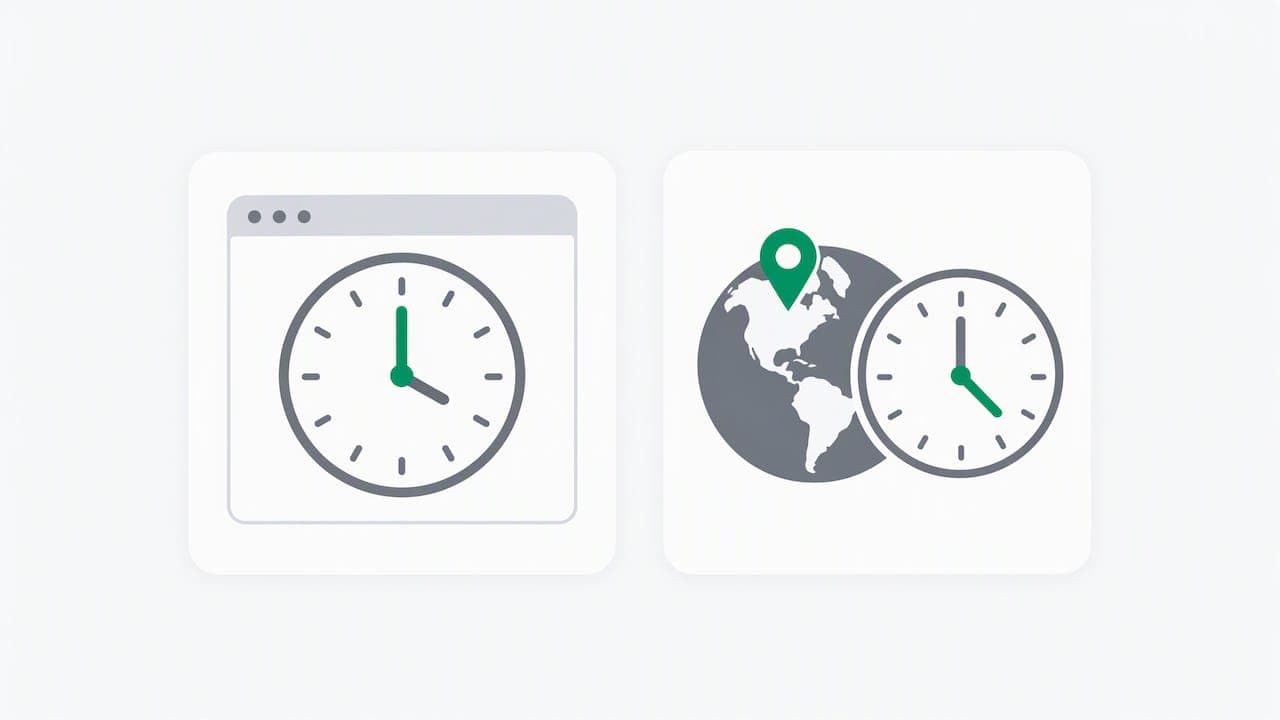
Time zone fraud, also called timezone spoofing, is the practice of making a browser or device report a different time zone than its real clock or IP location. A browser time zone that disagrees with IP geolocation is a useful anomaly. Treat it as one weighted risk signal alongside others, not as an automatic block.
TL;DR:
- Log the browser’s offset, named zone, locale, and IP location separately; compare offsets with date specific daylight saving rules, not fixed values.
- Normalize event timestamps to UTC, document time zone settings for sources that cannot comply, and monitor clock drift and daylight saving ambiguities.
- Raise risk when mismatches recur across sessions, switch rapidly, or coincide with Tor, datacenter addresses, shared devices, or sensitive actions such as password resets.
- Check benign causes first, including travel, corporate VPNs, automatic location settings, and manual time zones; escalate if the browser still reports the wrong zone.
Table of Contents
- Where does time zone data come from, and how is it manipulated?
- Which signals reveal time zone fraud?
- How should you log time for forensics?
- What should security and fraud teams do next?
- Why does a real user's time zone sometimes look wrong?
- Why should a time zone anomaly never decide alone?
- How do we surface time zone anomalies for you?
- FAQ
- Sources
Where does time zone data come from, and how is it manipulated?
A visit carries several independent time and place signals. The browser reports a time zone through the system clock, the Date API and Intl.DateTimeFormat().resolvedOptions(). The server sees an IP address that maps to a location. Language headers, the user agent and screen settings add a locale picture. Each comes from a different layer, which is why disagreement between them carries meaning.
Manipulation usually happens in one of these ways:
- Browser or extension overrides that change the time zone the page sees.
- Automation frameworks that set a time zone for every scripted session.
- Anti-detect browser profiles that bundle a time zone, locale and user agent into a fake identity.
- Proxies or VPNs that hide the real IP origin, so the spoofed time zone appears to match.
Fingerprinting compares these fields against each other. A visitor with a Singapore IP, a New York time zone and a German language header has told you three different stories. The tools exist openly, as public tooling repositories on GitHub show.
Which signals reveal time zone fraud?
The primary heuristic is the gap between IP geolocation and the browser-reported zone. Log the raw inputs, not only a verdict:
- The offset returned by
getTimezoneOffset()and the named zone fromIntl.DateTimeFormat().resolvedOptions(). - Language and locale headers, and how they pair with screen and platform values.
- Offsets that do not fit the claimed zone on a given date, which can point to a daylight saving anomaly.
- Repeated mismatches across sessions or accounts from one device.
- Rapid switching of zones within a short window.
- Co-occurrence with Tor, datacenter IP ranges or anti-detect browser detection.
Context matters because daylight saving rules make offsets date-dependent. Libraries document the traps, such as times that do not exist or appear twice around a transition, so your comparison logic needs a real time zone database rather than hard-coded offsets.
Pro Tip: Store each contributing signal next to the final score. When an analyst can see that a case fired on zone mismatch plus a datacenter IP, tuning and audits are easier.
Our risk signals documentation describes how we expose the signals behind each score for exactly this reason.
How should you log time for forensics?
Good detection falls apart if timestamps are ambiguous. SANS recommends normalizing logs to UTC at the source or in the ingestion pipeline, and documenting the time zone configuration of every log source that cannot comply.
- Prefer RFC 5424-style timestamps with explicit offsets. Legacy RFC 3164 timestamps carry no zone or year, which leaves local-time ambiguity.
- Monitor NTP health and treat unexplained clock skew as something to investigate, since drift breaks correlation across systems.
- Expect ambiguity at daylight saving transitions, when a local time can occur twice or not at all. The Temporal ZonedDateTime documentation explains that converting local time to UTC needs both an instant and a zone, and offers options to reject or prefer an interpretation.
- Note leap seconds in your runbooks, because systems handle them differently.
When every event lands in UTC, a login in one region and a later payment in another can be compared cleanly.
What should security and fraud teams do next?
Turn the anomaly into a repeatable pipeline step:
- Normalize timestamps to UTC and keep an inventory of time zone settings for each log source and critical system.
- Add zone mismatch as a weighted input to a multi-signal risk model. Never block on it alone.
- Correlate it with anonymity signals and cross-account patterns, such as several accounts sharing one device that each claim a different zone.
- Alert on unusual clock drift for critical systems, and include time zone verification in incident playbooks.
For tooling, libraries such as date-fns time zone utilities run calculations in a specified zone, which helps when you transpose event times for analysis. Their tz package accepts IANA names or UTC offsets and exposes helpers like tzOffset.
Pro Tip: Weight the signal by what happens next. A mismatch before a password reset on a new device deserves more attention than one on a read-only page view.
This pairs well with our guides on account takeover detection and datacenter proxy detection. For readers tracing how attackers sit between a user and a service, a partner explainer on man-in-the-middle attacks adds useful background.
Why does a real user's time zone sometimes look wrong?
Most mismatches are innocent, and support teams should check settings before assuming spoofing. Common causes:
- Automatic network time sync that picks the wrong zone.
- Location-based detection, since Android may use device location to set the zone unless you choose a manual option.
- Airplane mode toggles, which community threads report can switch automatic time zone back on.
- A traveler or remote worker who set a manual zone on purpose.
A quick fix is to turn on automatic date and time, or set the zone by hand if automatic detection keeps failing. Escalate to support when the setting is correct but the browser still reports another zone, or when the mismatch appears on several devices at once.
Why should a time zone anomaly never decide alone?
Our view is that time zone data is valuable precisely because it is cheap to collect and hard to keep consistent, yet it is also noisy. Travelers, corporate VPN users and misconfigured phones all trip it. A single flag acting alone punishes honest people more often than it catches fraudsters. Layer it with corroborating signals, keep the contributing evidence visible, and leave the final decision in your own code, where your team can tune thresholds to its risk appetite. A score should inform an action, not replace judgment.
— Jeff
How do we surface time zone anomalies for you?
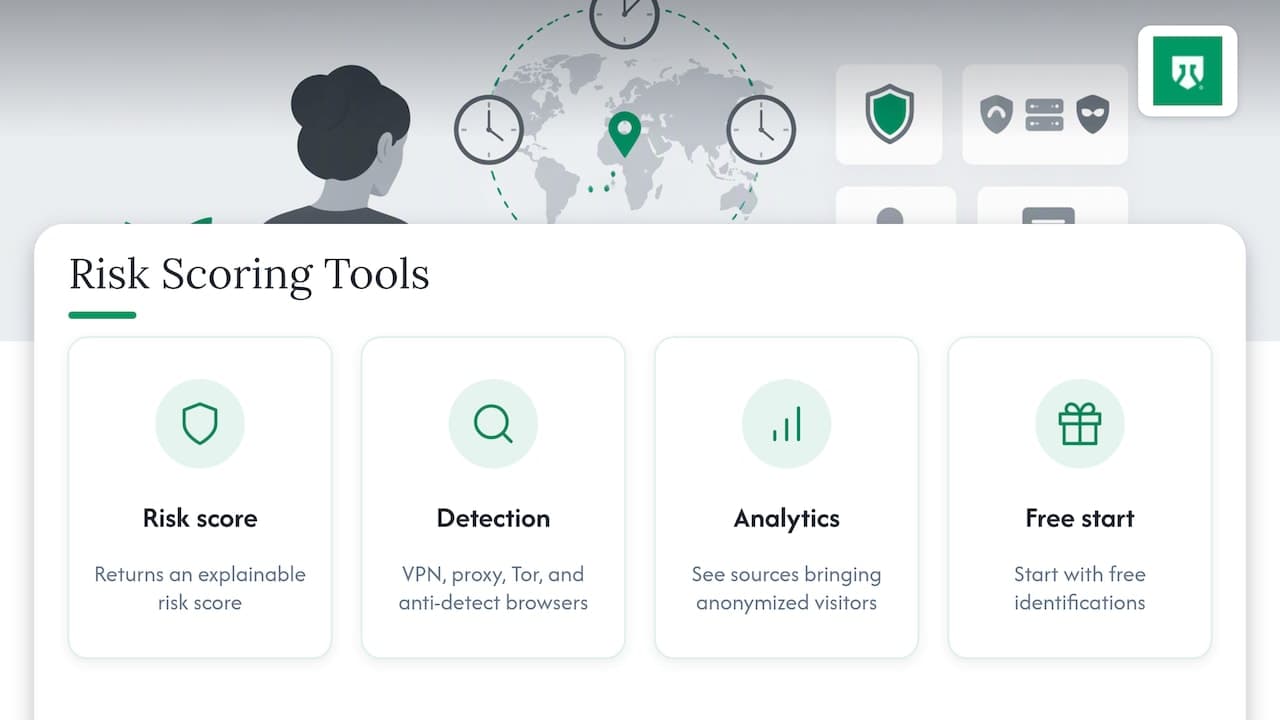
We collect a wide range of signals on each visit and return an explainable risk score, with VPN, proxy, Tor and anti-detect browser detection. Our risk scoring and traffic analytics help you see which sources bring anonymized visitors. Start with free identifications, or compare plans on our pricing page and decide when to add more.
FAQ
What is timezone spoofing?
Timezone spoofing is making a browser or device report a time zone that differs from the real one. It is often paired with a proxy or VPN so the IP location and the reported zone appear to agree.
Why does my phone keep putting me in the wrong time zone?
Usually a setting is at fault, not an attack. Automatic network time and location-based detection can pick the wrong zone, and Android documents both automatic and manual options. Check those before anything else.
Why does my computer show the wrong time but the right time zone?
The zone and the clock are separate settings. A drifting clock or failed time sync leaves the zone correct while the time is off, so resync the clock or enable automatic date and time.
Should a time zone mismatch be blocked automatically?
No. Treat it as one weighted signal and combine it with anonymity and behavior signals before your team acts.
Sources
- When Time Lies: The Hidden Risk of Time Zones, DST, and Log Analysis | SANS Institute
- Temporal.ZonedDateTime - JavaScript | MDN
- Set time, date and time zone - Android Help
- date-fns - modern JavaScript date utility library
Recommended
Related articles
Detect Free Trial Abuse with 300+ Signals for SaaS Teams
Detect free trial abuse without blocking real users. Use auditable signals, progressive friction, and metrics to protect conversion.

IP Reputation Can Mislead Fraud Teams: One IP, Dozens of Users
IP reputation misleads fraud teams when addresses shift or proxies obscure origins. Combine it with recency, device signals, and graduated responses.
5 Low Latency Checks to Detect Anti Detect Browsers for Fraud Teams
Research backed playbook for fraud teams: five low latency checks to spot anti detect browsers, signal to score mapping, and a ShieldLabs setup path.