

Fraud Detection API for Web Apps: From Browser Signal to Backend Decision

Last updated on October 9, 2026 · 8 min read
Last updated: October 9, 2026
A fraud detection API has to fit the action it protects. A signup can be valid at the protocol level and still drain a promotional budget when the same person repeats it across accounts. OWASP identifies unrestricted access to sensitive business flows as a distinct API risk. OWASP names the category “unrestricted access to sensitive business flows”. The practical integration question is where the evidence comes from, how your server verifies it, and what happens when the result is missing.
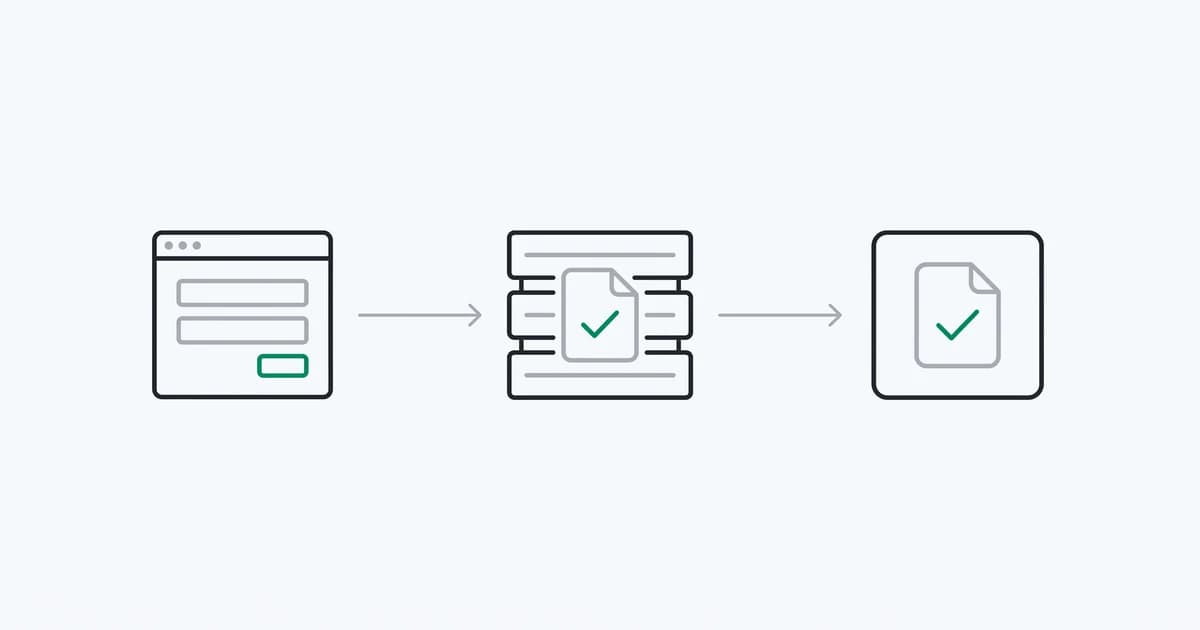
For a web app, browser collection and backend verification form one workflow. The browser starts an identification; the backend reads its scored result through an authenticated API or a signed webhook. Keep the private key, result verification and protected action on the server.
TL;DR: Start the browser check before the sensitive action. Bind its request ID to the current session and account on your backend. Read a verified result, distinguish risk signals from account events, and define a timeout path before releasing rewards or approving access.
What should a fraud detection API return?
A useful response gives your team enough information to explain a result and investigate mistakes. The API should identify the observation, name the risk evidence, attach device and account context, and state when that evidence was collected. A bare score is hard to debug when a real customer is challenged.
| Result | Question it answers | Integration requirement |
|---|---|---|
| Request ID | Which check produced this result? | Join to the exact protected action |
| Observation time | Is the result recent enough? | Reject stale or unparseable observations |
| Device and visitor IDs | Have we seen this device context? | Keep each identifier's scope explicit |
| Risk score and named signals | What made this visit risky? | Read the explanation alongside the number |
| Account context | Which signed-in user was checked? | Compare against your server's account mapping |
| Account events | Does activity across visits indicate abuse? | Read event confidence separately from a score band |
Data requirements depend on the product. A payment fraud API may evaluate transaction amounts and chargeback history. A device intelligence API supplies browser, network and account activity evidence. Verify the contract against the signup, login or referral problem you need to solve before comparing vendors by field count.
Where do browser collection and server verification belong?
Start collection when the user begins a signup or arrives at a signed-in page. That gives an asynchronous scoring service time to produce a result before a sensitive action. On a form submission, send the request ID with the action; retrieve the actual result using your server credentials.
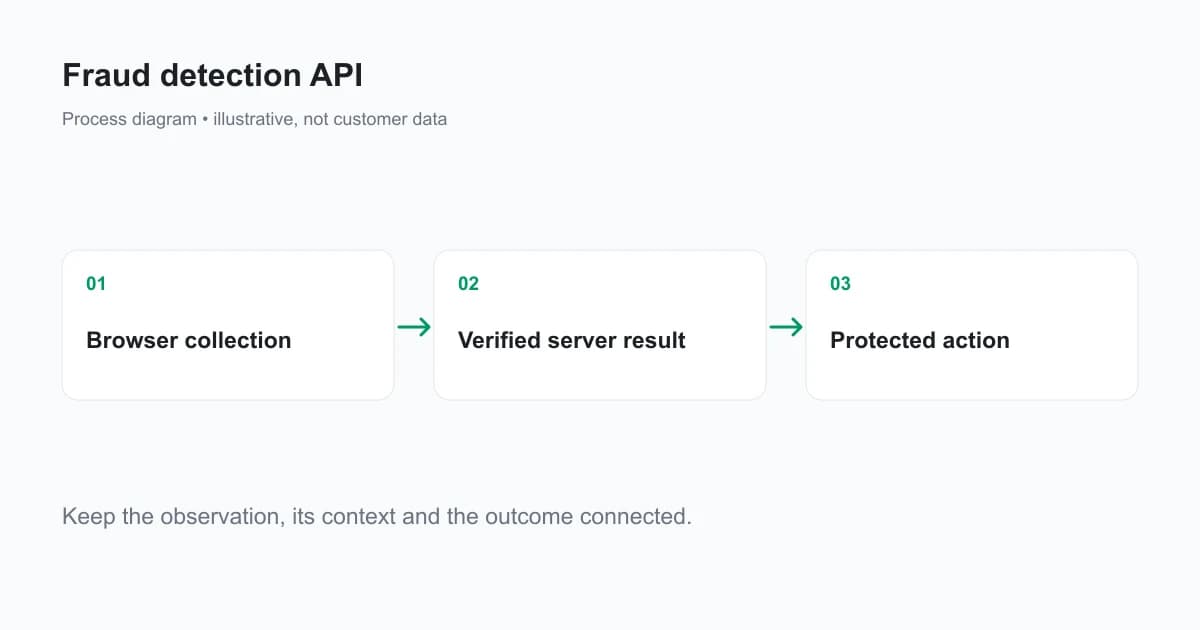
The request ID is a reference. It is not proof that the browser passed a check. A client can send another ID, repeat a previously accepted one, omit it, or alter a locally displayed value. Your backend must verify the result's registered domain, account context and age, then bind it to the current session. An endpoint that accepts a client-submitted risk_score skips that boundary.
Also protect the action itself. Authentication, authorization and rate limits still belong on signup, login, reward and withdrawal endpoints. A browser check supplies evidence for web activity; it does not authorize a direct API caller to receive a benefit. OWASP's object-level authorization guidance is relevant whenever a user-supplied identifier selects a server record.
How does the ShieldLabs API workflow work?
ShieldLabs identifies returning device contexts from 300+ device and network signals collected through its browser snippet. A Device ID is scoped to the observed browser context; another browser on the same machine receives its own Device ID. ShieldLabs provides identification and risk results through API and webhooks. The snippet reference documents anonymous and authenticated checks and the optional onInitialized callback.
<script type="module">
  const mod = await import(
    'https://cdn.shieldlabs.ai/snippet.js?publicKey=YOUR_PUBLIC_KEY'
  );
  mod.checkAnonymous({
    onInitialized: (result) => {
      if (result.status !== 'initialized') return;
      document.querySelector('#shield-request-id').value = result.requestID;
    },
  });
</script>
<input type="hidden" id="shield-request-id" name="shield_request_id" />
Use your own public key and include the hidden input in your signup form. Run the check at the appropriate point in your site's consent and privacy flow. The callback reports that a check started, not that scoring finished. When it reports not_initialized, no new identification ran; handle that state instead of submitting an empty ID as a clean result.
For signed-in activity, use checkAuthenticatedUser with the hashed or pseudonymous account identifier your backend expects. Never send a raw email or account ID. Use the documented forceCheckAuthenticatedUser method when a sensitive action needs a fresh observation and the regular five-minute collection window would otherwise reuse an earlier check.
The webhook envelope uses event_type, schema_version, created_at and data. A scored delivery is identification.scored; its data contains request_id, device_id, visitor_id, risk_score, signals and detection_flags. The webhook reference defines their types. History responses have their own wire names; a supported server SDK normalizes them, so do not paste a webhook parser over a raw History response.
Risk Score bands are Trusted 0–29, Suspicious 30–59 and Dangerous 60–100. Guard values above 100 before mapping a band: the contract uses 999 as a rate-limit marker. A missing result, an incomplete check or a rate-limit marker should remain a separate integration state.
ShieldLabs also detects four High-Risk Events: Multi-accounting, Account sharing, Impossible travel and Account takeover. Their Medium or High confidence is separate from the score of one identification. Do not invent an events array in identification.scored; use the documented account-event surface for that integration.
Which SDK and tutorial should you start with?
You can use the hosted snippet above or a browser SDK to start an identification. The JavaScript SDK covers a plain web app; React and Next.js have framework-specific setup. Send the resulting Request ID with the protected action, while keeping the private API key on your server. The quickstart shows that browser-to-backend handoff.
On the server, use the Node.js SDK, Python SDK or another package from the SDK index to read the scored identification and verify webhooks. Our Python web-app tutorial includes a downloadable browser-and-backend example. For application flows, the use-case tutorial repository has standalone starter and final versions. Start with new-account fraud, account takeover or referral fraud. These are teaching apps with synthetic tests; adapt authentication, durable state and action binding to your own production system.
Should you use API reads, webhooks, or both?
Use an API read when a protected action needs the current result. Use a webhook when your backend needs to receive scored identifications as they arrive. Both can populate an internal record keyed by the request ID, but the action must still check that record's validity.
The ShieldLabs Server API supports reads by request ID and history by account, device, visitor or public IP. Scoring is asynchronous, so an immediate lookup can be empty. Choose a bounded wait that fits your action's latency budget; a signup may tolerate more delay than an interactive page.
Webhook handlers must verify X-Shield-Signature over the raw request body before parsing it. Re-serializing JSON changes the bytes and can invalidate the signature. Keep the endpoint signing secret on the server, separate from the public browser key. Handle webhook.ping and unknown event types without treating them as scored identifications.
The documented delivery is at-most-once with no retries. Respond promptly and perform slow work after durable receipt. If a missed delivery would affect a payout or an account decision, reconcile through the History API rather than assuming every webhook will arrive. API reads, webhook processing and business operations each need their own idempotency strategy.
What should happen when the result is unavailable?
Write the timeout behavior before rollout. Low-stakes navigation can continue while evidence arrives; an irreversible reward can remain pending. A missing observation should never be silently converted into a score of zero.
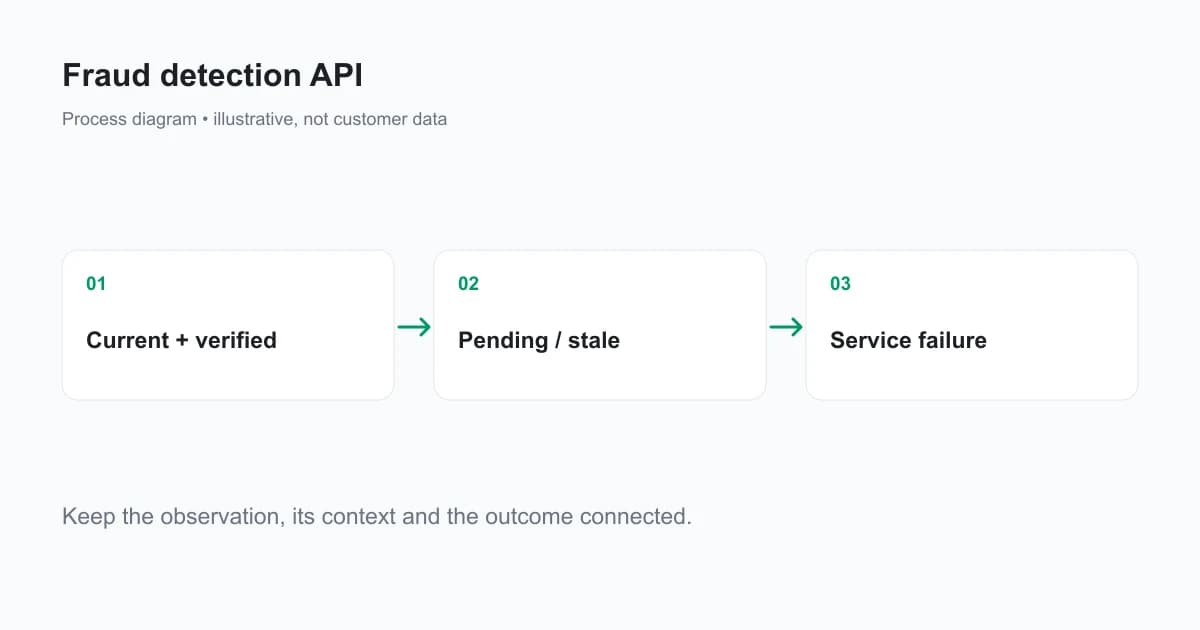
| State | Example | Operational response |
|---|---|---|
| Verified and current | Result matches the session and expected account | Continue the relevant risk workflow |
| Pending | Scoring has not finished | Wait within a bounded budget or keep the action pending |
| Stale or reused | Old observation or a previously consumed request | Obtain a fresh check and reject inappropriate reuse |
| Service error | Authentication, quota or upstream failure | Record the specific failure and follow the action's outage policy |
Store the result and action mapping in a database or cache with an appropriate lifetime. Use an atomic transition when consuming an observation for a one-time reward. A Python set in an example cannot coordinate two application workers or survive a restart.
How do you validate the integration before rollout?
Exercise more than the successful signup. Test an altered request ID, a mismatched account, a stale result, a missing callback, a tampered webhook, duplicate delivery and an unavailable API. Confirm that each reaches the intended state and leaves an audit trail without logging credentials or unnecessary personal data.
Measure the time from browser initialization to an available result, then the extra latency on the protected endpoint. Keep authentication errors, quota failures, incomplete checks and true risk outcomes in separate counters. Those categories need different fixes.
Once live, sample legitimate users who were challenged alongside confirmed abuse. Review the named evidence and the action taken. That feedback helps you improve the workflow without treating a changing challenge rate as proof that fraud increased. A referral fraud workflow, for example, should evaluate qualifying conversions and payout outcomes as well as signup evidence.
Ready to connect device evidence to your backend?
ShieldLabs identifies returning device contexts, detects account abuse and returns explainable risk evidence through API and webhooks. Start Free with 5,000 one-time identifications and validate the integration on your web app.
Sources
- OWASP API Security: sensitive business flows
- OWASP API Security: object-level authorization
- ShieldLabs browser snippet
- ShieldLabs Server API
- ShieldLabs webhook contract and signatures
Recommended
Related articles
Remember This Device for MFA With a Persistent Device ID
Design remember this device for MFA with a revocable trust credential, persistent device context, expiry and step-up authentication for sensitive actions.

How to Detect AI Agents on a Website
Detect AI agents on a website by separating operator identity, automation evidence and authorization. Protect accounts while permitting useful public crawling.

Fraud Analytics: Reading Device and Risk Patterns in Web Traffic
Use fraud analytics to investigate risk signals, account events and traffic sources. Read dashboard units correctly and join evidence to real outcomes.