

Browser Fingerprinting in a Python Web App

Last updated on October 9, 2026 · 8 min read
Last updated: October 9, 2026
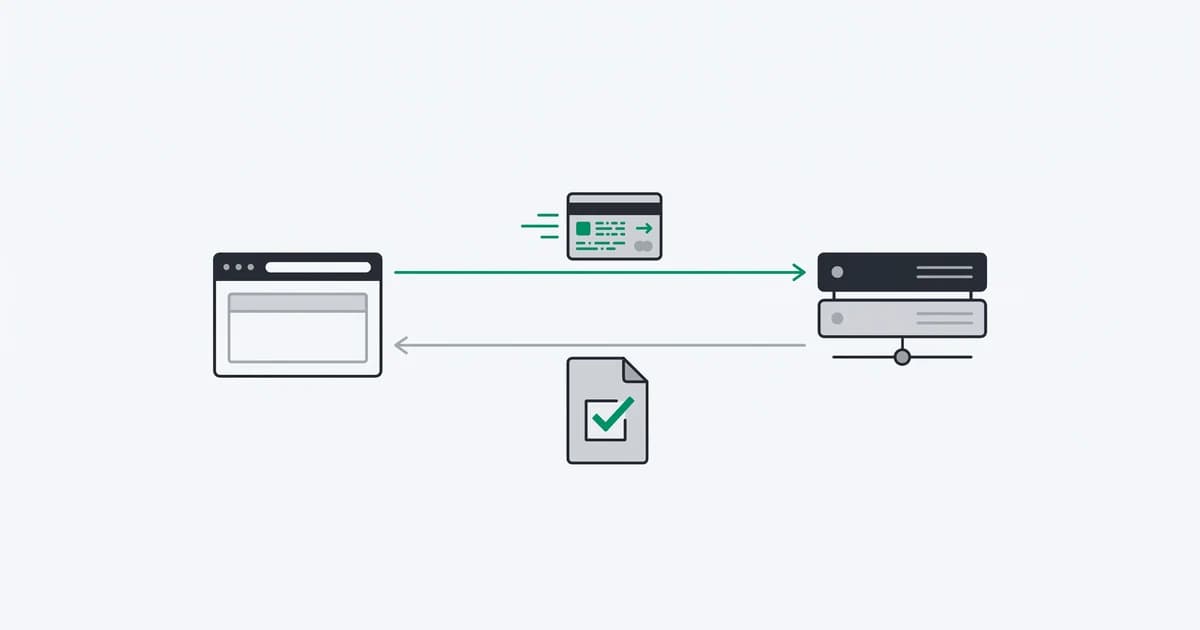
Browser fingerprinting in a Python web app needs two parts: JavaScript running in the browser and Python reading the resulting evidence on the backend. A Python HTTP request can inspect a server response; it cannot directly observe the browser environment of a customer visiting your site. The ShieldLabs Python integration follows this division with a browser request ID, authenticated result retrieval and raw-body webhook verification.
This guide builds a small FastAPI lookup endpoint and a signed webhook receiver. It demonstrates the package contract and validation boundaries. You supply a registered website, matching credentials, the account/session binding and durable application storage when integrating it into a real signup or login.
TL;DR: Collect in the browser, send the request ID with the action, and read the result with a private server key. Validate domain, account, age and replay protection before a protected operation. Never accept a risk score supplied by the browser.
What was checked in this example?
On October 9, 2026, we ran 15 checks on these exact Python snippets using the public ShieldLabs 1.0.0 package. The checks covered current and missing results, a wrong domain, missing or stale observation times, a future timestamp, a rate-limit marker, an API error, an invalid UUID and signed webhook handling.
The tests use signed fixtures and mocked API reads. They validate the example's code paths; they do not measure live identification accuracy or claim a browser-to-backend production test. Download the example app, verification script and pinned dependencies, then run python verify.py in that directory.
What runs in the browser, and what runs in Python?
The browser snippet starts an identification and gives your page a requestID through onInitialized. Python uses that ID to read a stored identification. ShieldLabs performs identification and scoring on its service; your browser code does not receive a trustworthy verdict to copy into a form field.
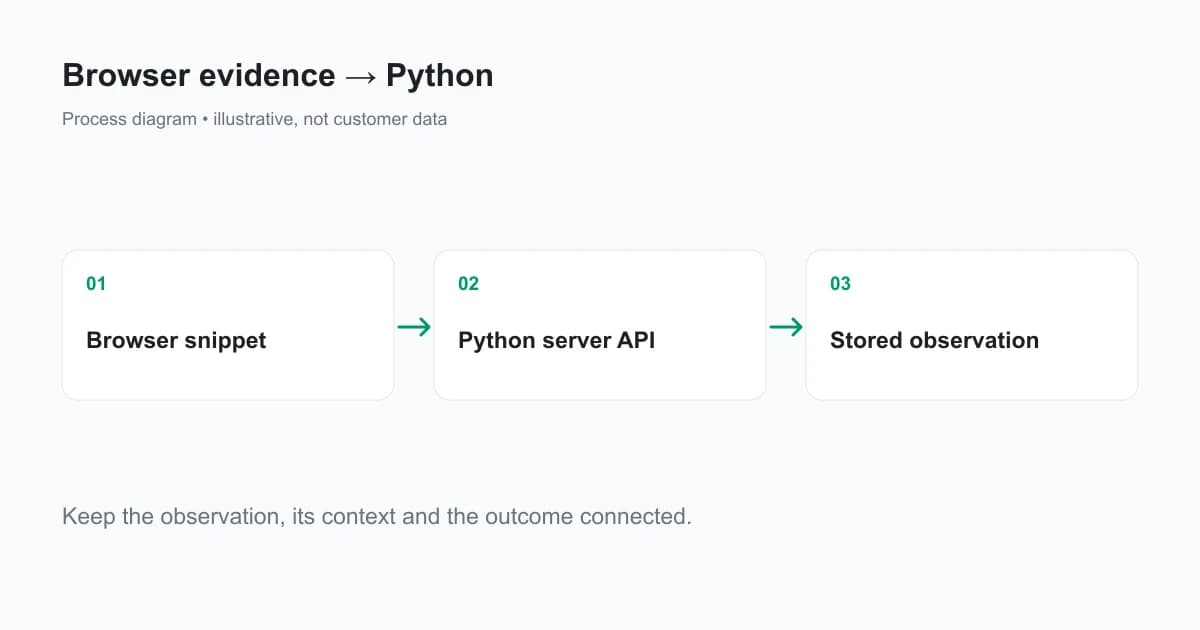
Keep browser initialization ahead of the protected action. Starting collection only on submit can force a user to wait while the result becomes available. If no check starts, show a recoverable state or apply the action's missing-evidence policy; do not substitute an empty identifier.
For the complete form flow, the fraud detection API guide shows the JavaScript snippet and hidden request-ID field. Use checkAnonymous before signup and an authenticated check with your hashed User HID after login. Each ID must relate to the current application's action and session.
What do you need before installing the Python SDK?
Use Python 3.9 or newer, a registered and verified domain, and a Private API Key from Integration. Keep SHIELDLABS_API_KEY and SHIELDLABS_WEBHOOK_SECRET in server environment variables. Your browser uses a different public key.
python -m venv .venv
source .venv/bin/activate
pip install shieldlabs fastapi uvicorn
Follow the package's Python reference for the current supported installation and methods. Use credentials from the same domain and environment as the browser check. A valid request reference from a different integration must not be accepted for your application.
How do you read an identification from FastAPI?
The following endpoint reads an identification and returns a small result for an authenticated caller. It is a lookup demonstration, not a signup authorization endpoint. Protect it with your existing authentication and authorization before exposing it outside a local development environment.
import os
from datetime import datetime, timezone
from uuid import UUID

from fastapi import FastAPI, HTTPException
from shieldlabs import ShieldLabs, ShieldLabsError

app = FastAPI()
client = ShieldLabs(api_key=os.environ["SHIELDLABS_API_KEY"])
expected_domain = os.environ["SHIELDLABS_DOMAIN"]

@app.get("/identification/{request_id}")
def read_identification(request_id: UUID):
    try:
        result = client.identifications.get(str(request_id), timeout=5)
    except ShieldLabsError:
        raise HTTPException(503, "Identification service unavailable")
    if result is None:
        raise HTTPException(409, "Identification pending or unavailable")
    if result.domain != expected_domain:
        raise HTTPException(403, "Unexpected domain")
    if result.observed_at is None:
        raise HTTPException(409, "Observation time unavailable")
    age = (datetime.now(timezone.utc) - result.observed_at).total_seconds()
    if not 0 <= age <= 300:
        raise HTTPException(409, "Observation is not current")
    if result.is_rate_limited:
        raise HTTPException(409, "Identification rate limited")
    return {
        "request_id": result.request_id,
        "risk_score": result.risk_score,
        "risk_band": result.risk_band,
        "signals": [signal.name for signal in result.signals],
    }
Run uvicorn app:app --reload after saving the code as app.py and setting the environment variables. The five-minute age limit and five-second read budget are example application choices; tune them to your action and measured integration latency.
FastAPI documents that a normal def endpoint runs “in an external threadpool”. The synchronous SDK call therefore runs in a synchronous FastAPI endpoint. If your application uses asynchronous endpoints, use the supported asynchronous client rather than blocking the event loop with network I/O.
Scoring is asynchronous. identifications.get waits within its budget for a stored result. An empty result is still unverified evidence, and service errors should be handled by your application's outage policy. Do not turn every exception into a clean score or retry indefinitely inside an HTTP request.
How do you verify a webhook in Python?
Read the body bytes once and pass them unchanged to webhooks.construct_event. It verifies the signature before parsing. Catch the SDK's explicit verification and parse errors; acknowledge service pings separately from scored identifications.
from fastapi import Request
from shieldlabs import IdentificationScoredEvent, webhooks
from shieldlabs import SignatureVerificationError, WebhookParseError

@app.post("/shieldlabs/webhook")
async def receive_webhook(request: Request):
    raw_body = await request.body()
    try:
        event = webhooks.construct_event(
            raw_body,
            request.headers.get("X-Shield-Signature"),
            os.environ["SHIELDLABS_WEBHOOK_SECRET"],
        )
    except (SignatureVerificationError, WebhookParseError):
        raise HTTPException(400, "Invalid webhook")
    if isinstance(event, IdentificationScoredEvent):
        # Persist event.data by request_id in a durable queue or database.
        # This demonstration validates the delivery without storing it.
        return {"received": True, "event_type": event.event_type}
    return {"received": True}
The example validates delivery but deliberately does not promise persistence. Add durable receipt before acknowledging events in a production workflow, then process slow work outside the request. The webhook contract documents a short delivery timeout and no retries, so missed delivery requires reconciliation with the History API.
A signature authenticates a delivery's bytes. It does not give a repeated delivery permission to execute the same reward twice. Use the identification request ID and your business operation's idempotency key for different layers of duplicate protection.
What belongs in the protected signup or login endpoint?
Bind the observation to your server's current account and session, not an account identifier supplied solely by the browser. After authentication, compare the stored identification's User HID with the expected hashed account mapping. Validate the registered domain and observation time, and consume one-time action references atomically.
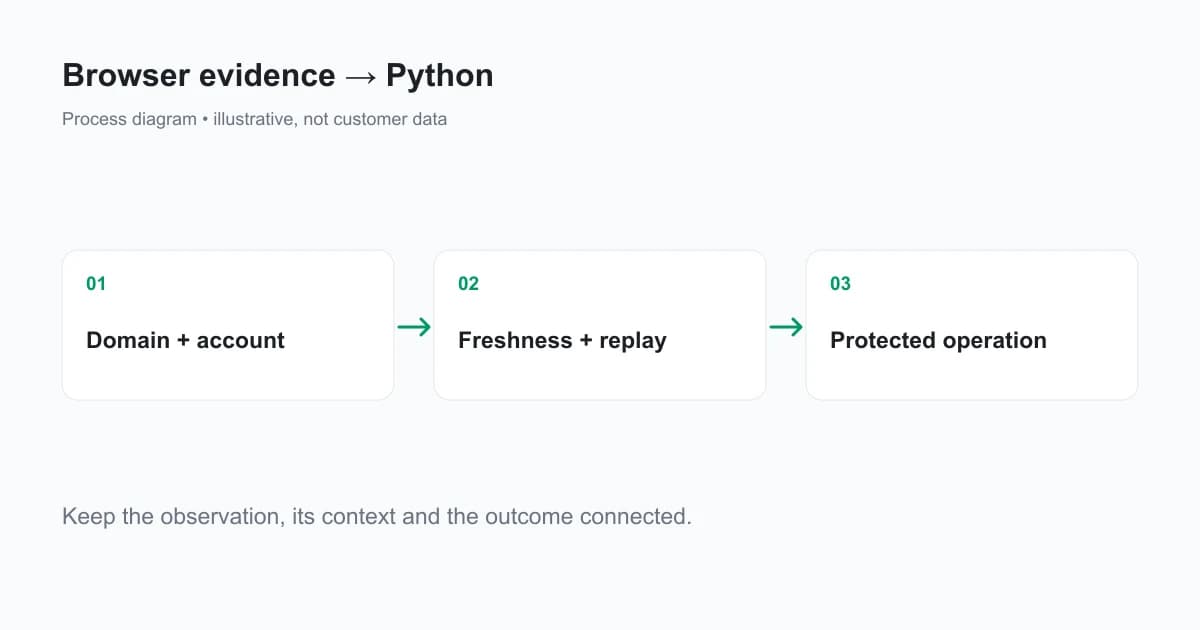
Store consumed request IDs in a shared database or cache. An in-memory set resets on restart and cannot coordinate multiple workers. Keep a separate idempotency key for the signup, reward or withdrawal so retrying a legitimate request does not duplicate the business action.
ShieldLabs supplies ready-made detections and explainable Risk Score evidence. The application owns the actual login session, entitlement and pending payout record. Keep those records together with the observation that informed the operation, so a support review can reconstruct the sequence.
Which Python integration mistakes should you test?
Test malformed UUIDs, unknown observations, wrong-domain results, missing timestamps, old observations, rate-limit markers and API errors. For webhooks, test absent signatures, altered bytes, unsupported event types and duplicate processing. Verify the failure response and the durable audit record for each case.
Use a mocked transport or signed fixture to test code paths without manufacturing a live detection result. A fixture can prove your parser and endpoint behave correctly; it cannot prove production recognition accuracy. Run a separate browser-to-server check on your registered domain to validate the full integration.
When troubleshooting, distinguish SDK installation problems from empty scoring results and service errors. Record request IDs and error categories, never private keys or signing secrets. Read the current Python SDK documentation before working around a changed field or method name.
Ready to add browser evidence to your Python backend?
ShieldLabs offers browser collection, supported server SDKs and signed results for web products. Start Free with 5,000 one-time identifications and connect the Python backend to your registered domain.
Sources
- ShieldLabs Python SDK integration
- ShieldLabs browser snippet
- ShieldLabs Server API
- ShieldLabs webhook reference
- FastAPI: synchronous and asynchronous endpoints
Recommended
Frequently asked questions
- Can Python pull data from a website?
- Python can make HTTP requests and read returned page data. That does not provide the browser environment of a customer visiting your application. For browser identification, collect through a browser integration and use Python to retrieve and validate the server-side result for the relevant request.
Related articles
Remember This Device for MFA With a Persistent Device ID
Design remember this device for MFA with a revocable trust credential, persistent device context, expiry and step-up authentication for sensitive actions.

How to Detect AI Agents on a Website
Detect AI agents on a website by separating operator identity, automation evidence and authorization. Protect accounts while permitting useful public crawling.

Fraud Detection API for Web Apps: From Browser Signal to Backend Decision
Integrate a fraud detection API into web signup and login with browser collection, verified server results, signed webhooks and clear timeout handling.