

7 Bot Detection Tools for Web Signup and Login

Last updated on October 9, 2026 · 9 min read
Last updated: October 9, 2026
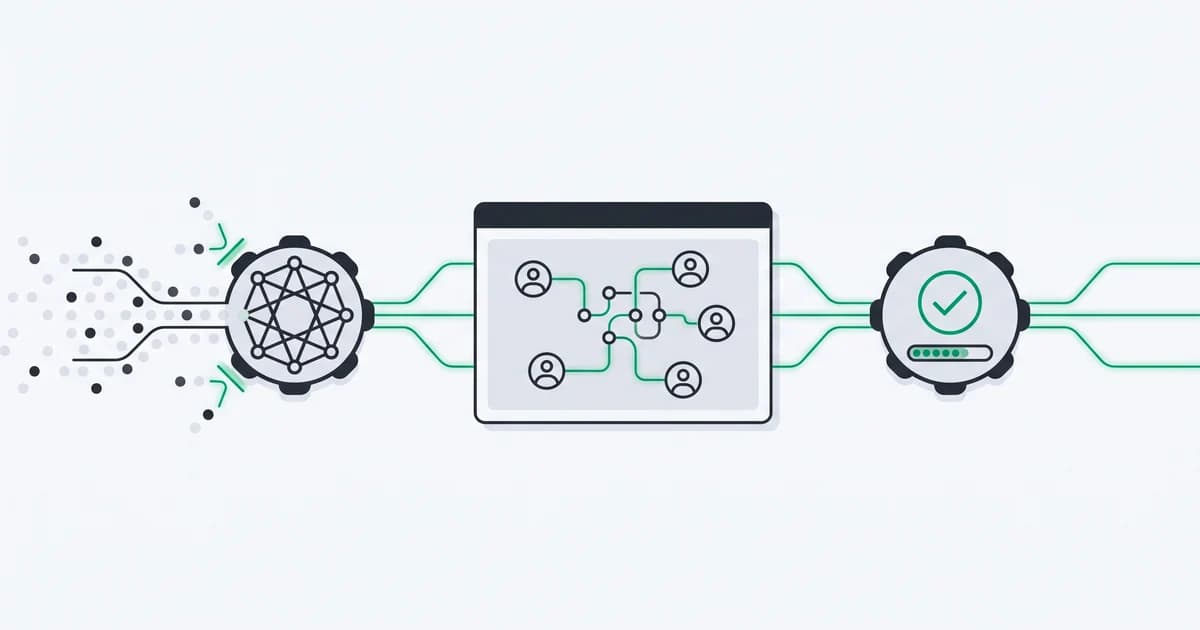
The best bot detection tools for web signup and login operate at different points in a request. An edge service can inspect traffic before it reaches your application; a browser/device platform can connect an interactive visit to prior account activity; a challenge service can require additional verification. Cloudflare's bot documentation distinguishes products and plan-dependent detection capabilities, which is why a generic feature checklist rarely captures the actual integration.
Choose the layer that addresses your failure mode, then test its results and friction on the same traffic. A signup challenge does not establish trial eligibility, and a persistent device ID does not protect an unguarded API endpoint. Many products need more than one layer.
TL;DR: Compare browser/device evidence, account behavior, edge mitigation and challenges separately. Verify server-side results, preserve permitted crawlers, test false positives and price the required capabilities at your expected volume.
How were these bot detection tools selected?
This comparison covers seven services with current first-party documentation relevant to web bot detection, account abuse or challenge verification. We reviewed their published integration surfaces on 8 October 2026. It is a documentation-based comparison, not a hands-on accuracy benchmark or a claim that one service wins every use case.
ShieldLabs publishes this article and is included in the comparison. The useful choice depends on the layer you need, your existing infrastructure and how much account context the decision requires. Validate each candidate on your traffic before treating a published capability as a measured result.
| Tool | Primary layer to evaluate | Good starting question |
|---|---|---|
| ShieldLabs | Browser/device evidence, risk and account events | Do repeated signups or logins need device/account context? |
| Fingerprint | Browser identification and bot Smart Signals | Do you need recognition plus automation evidence? |
| Castle | Account behavior and bot/fraud risk | Do events across the user journey matter? |
| SEON | Device intelligence plus fraud API enrichment | Does the flow also need email, phone or other fraud data? |
| Cloudflare bot solutions | Edge traffic detection and mitigation | Do you need controls before requests reach the origin? |
| DataDome | Bot and fraud protection through infrastructure integrations | Which application and API traffic needs protection? |
| hCaptcha | Verification challenge and risk evaluation | Where should extra verification enter the flow? |
Which detection layer protects your signup or login?
Map the action first. Public-page scraping, password attempts and repeated reward claims have different evidence and response requirements. Put request-level protection near the infrastructure boundary and account eligibility at the application operation that grants value.
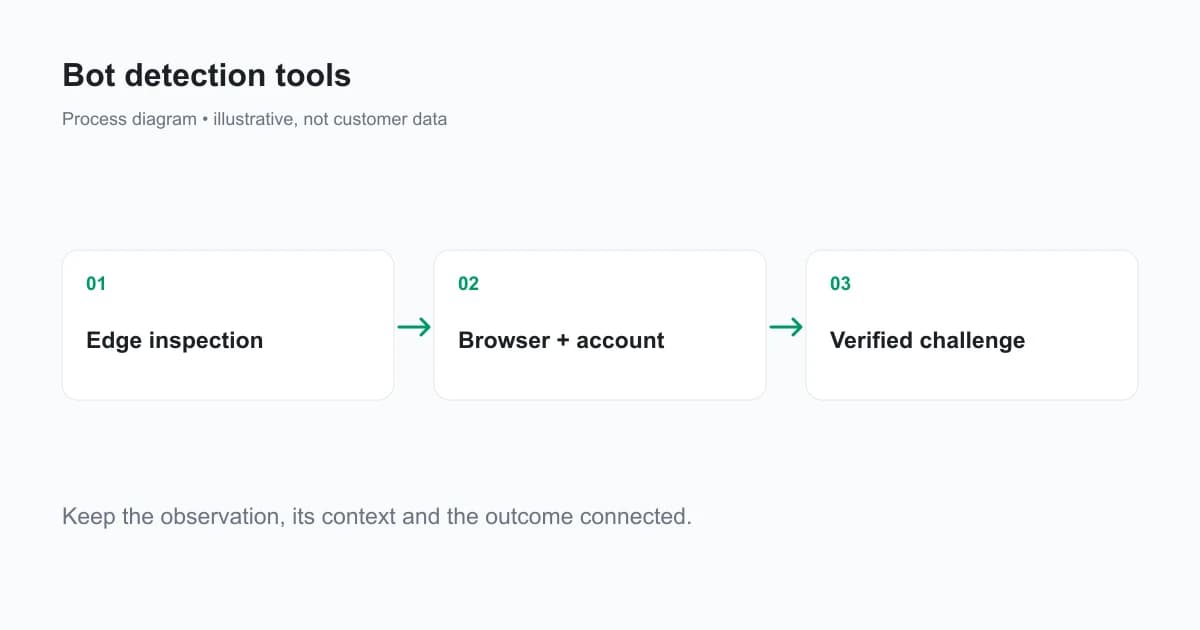
Ask each candidate how it handles a request that never runs JavaScript, a browser with incomplete collection, a known search crawler and a returning account using a new browser. These cases expose the scope of a product more clearly than a promise to detect “advanced bots.”
Also ask where the trusted result is read. A server API, authenticated event or server-verified challenge token should inform the protected endpoint. Client-visible labels and client-supplied scores should not authorize that action.
1. ShieldLabs: device and account context for web abuse
ShieldLabs combines browser/device identification, bot and AI traffic detection, named risk signals, traffic quality analytics and four ready-made High-Risk Events. Use it when signup or login investigations need to connect returning browser contexts and linked accounts with explainable risk evidence.
The supported browser snippet collects 300+ device and network signals. The backend receives scored results through API or signed webhooks. Public bot-related flags include browser_automation and search_bot; account events are Multi-accounting, Account sharing, Impossible travel and Account takeover.
The risk signal reference documents the bot-related outputs. Combine those results with your application authentication, eligibility and request limits.
The free allowance is 5,000 one-time identifications. Paid plans start at 99 USD per month; compare your expected identification volume with the included quotas on pricing. Count identifications according to the collection behavior, rather than substituting unique users or pageviews as the billing unit.
2. Fingerprint: browser recognition with bot Smart Signals
Fingerprint's current bot product page documents browser bot and AI automation detection, with good, bad and not-detected bot results. It also documents server verification using an event reference. This is relevant when a team wants browser identification and additional bot evidence in one integration.
Its bot detection page states that browser bot detection and additional Smart Signals are available with Pro Plus and Enterprise. Check capability access alongside the current pricing plans; the cost of basic identification alone does not establish the cost of the required bot features.
Test recognition and automation evidence separately. A useful event reference can support your server flow, but the protected operation still needs its own account and action validation.
3. Castle: bot risk across account activity
Castle's bot detection documentation describes automated signup, login and in-app abuse, with behavior, headless-browser and network evidence contributing to bot risk. Evaluate it when activity across the account journey matters more than a single isolated page check.
Inspect which events and SDK context your team must send, what the response represents and how the current pricing tiers grant access to required capabilities. Model the integration's event volume with your actual login and application workflow.
A bot score and a confirmed account-abuse outcome are different records. Keep the explanation, action and later review result together when testing the service.
4. SEON: device intelligence within a broader fraud API
SEON's API introduction describes a modular Fraud API combining device fingerprinting with email, phone, IP, BIN and AML data. Its Device Intelligence documentation includes bot automation and suspicious device context.
This is a candidate when your onboarding flow needs device evidence and additional fraud-data categories together. Choose the modules that serve your actual workflow, then confirm their availability and commercial terms. Adding every data source can increase integration work without resolving your particular bot problem.
Verify collection timing and the documented browser-session payload path. The Fraud API reference explains how device data reaches the server-side evaluation.
5. Cloudflare: request controls at the edge
Cloudflare's bot products provide detection and mitigation through its infrastructure. Evaluate this layer when unwanted request traffic needs to be controlled before the origin, including flows where browser collection may not run.
Capabilities vary across Bot Fight Mode, Super Bot Fight Mode and Bot Management. The bot plan reference identifies those differences. Check the features available on your plan instead of treating every Cloudflare bot feature as included in the same product.
Read score semantics carefully. Cloudflare's bot score reference uses a scale where lower scores indicate more automated traffic. That direction differs from a fraud risk score that increases with risk; a shared threshold across vendors can invert an application's behavior. The same reference explains: “A score of 0 does not indicate the request is safe or human.” Zero means the request was not evaluated.
6. DataDome: infrastructure integration for bot protection
DataDome's platform documentation presents bot and fraud protection with integrations across application infrastructure. Evaluate the supported integration for your CDN, server, application or API deployment rather than assuming a browser-only installation covers every surface.
Confirm where traffic is inspected, what happens if the protection service is unavailable and which challenge or mitigation path the integration can apply. Include permitted crawlers and normal customer sessions in the test so request blocking is measured alongside legitimate traffic impact.
Use current product documentation and a deployment-specific quote for costs; an old listicle price does not represent every architecture or traffic volume.
7. hCaptcha: an additional verification step
hCaptcha supplies challenge and verification mechanisms. Its developer guide requires server-side verification of the response token. Treat that server check as part of the protected endpoint, not a cosmetic widget that can be bypassed by sending the form directly.
Use this layer when your workflow needs additional verification. A successful challenge does not establish that an account is eligible for another trial or referral reward. Keep account qualification and repeated-use detection in the application flow.
Evaluate accessibility, completion rate and verification failures for your audience. Add challenges where the benefit justifies the friction, and measure legitimate completion alongside unwanted activity.
How should you compare cost and rollout effort?
Compare the required capabilities and the unit each vendor bills. Identifications, evaluated events, requests and challenge products are not interchangeable. Include retries, recurring collection, multiple protected surfaces and the service's quota behavior in the model.
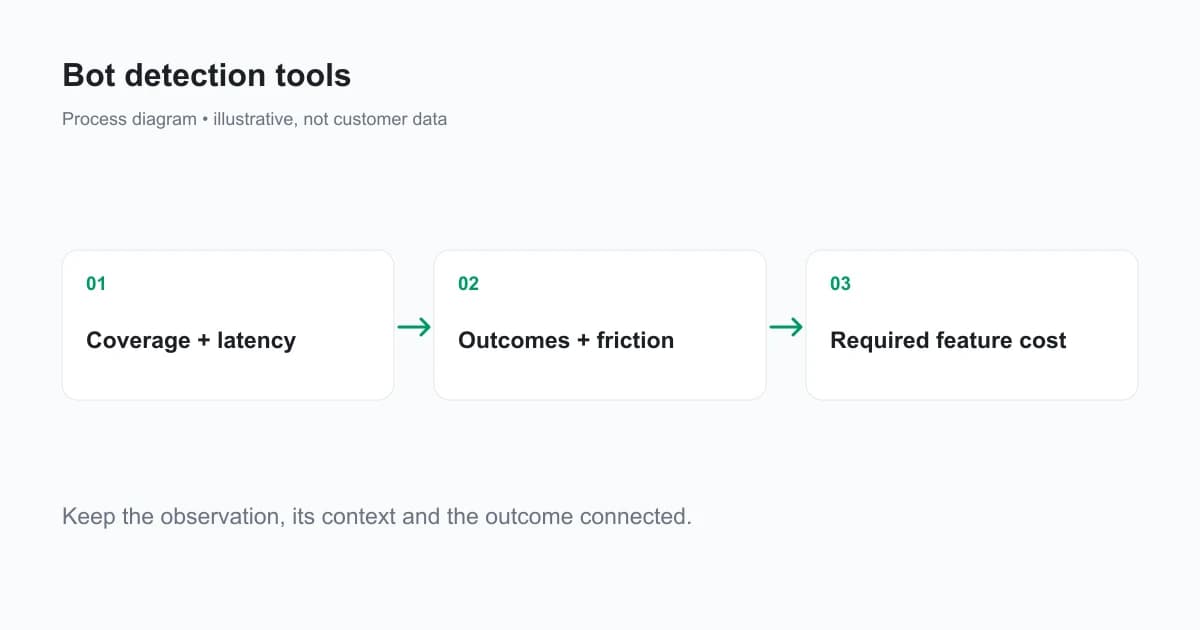
Run a small, documented pilot on representative traffic. Measure usable-result coverage, result latency, confirmed abuse, false positives, challenge completion and review workload. Record missing results and service outages separately from ordinary risk decisions.
A useful shortlist may include an edge layer plus a browser/device layer, with a challenge used where extra verification helps. Decide from the application's actual failure mode and verified pilot outcomes, not a vendor's position in a generic ranked list.
Ready to inspect bots and account abuse together?
ShieldLabs combines identification, bot and AI traffic detection, risk signals and ready-made account events for web products. Start Free with 5,000 one-time identifications and assess the evidence on your own signup and login traffic.
Sources
- ShieldLabs risk signals
- Fingerprint bot detection and plan access
- Castle bot detection
- SEON API introduction
- Cloudflare bot plans
- DataDome platform reference
- hCaptcha developer guide
Recommended
Frequently asked questions
- How can I block bots from visiting my website?
- Use request-level controls where traffic enters your infrastructure, then protect application actions with authentication, rate limits and server-verified evidence. Permit useful crawlers according to a separate policy. Test legitimate users and approved automation before applying broad mitigation, and keep incomplete checks separate from clean results.
- Can bots be traced to your IP?
- A server usually sees the public address used to reach it, but that address can belong to a proxy, shared network or hosting service. It does not reliably identify the person operating a bot. Combine network context with browser evidence and account activity when investigating abuse.
- How to do bot detection?
- Collect evidence appropriate to the traffic surface, verify the result on the server and interpret it with the action and account context. Edge inspection, browser automation signals and challenge verification offer different inputs. Record unknown or incomplete observations and measure legitimate-user friction alongside confirmed unwanted activity.
Related articles
Remember This Device for MFA With a Persistent Device ID
Design remember this device for MFA with a revocable trust credential, persistent device context, expiry and step-up authentication for sensitive actions.

How to Detect AI Agents on a Website
Detect AI agents on a website by separating operator identity, automation evidence and authorization. Protect accounts while permitting useful public crawling.

Fraud Detection API for Web Apps: From Browser Signal to Backend Decision
Integrate a fraud detection API into web signup and login with browser collection, verified server results, signed webhooks and clear timeout handling.