

How to detect account sharing?
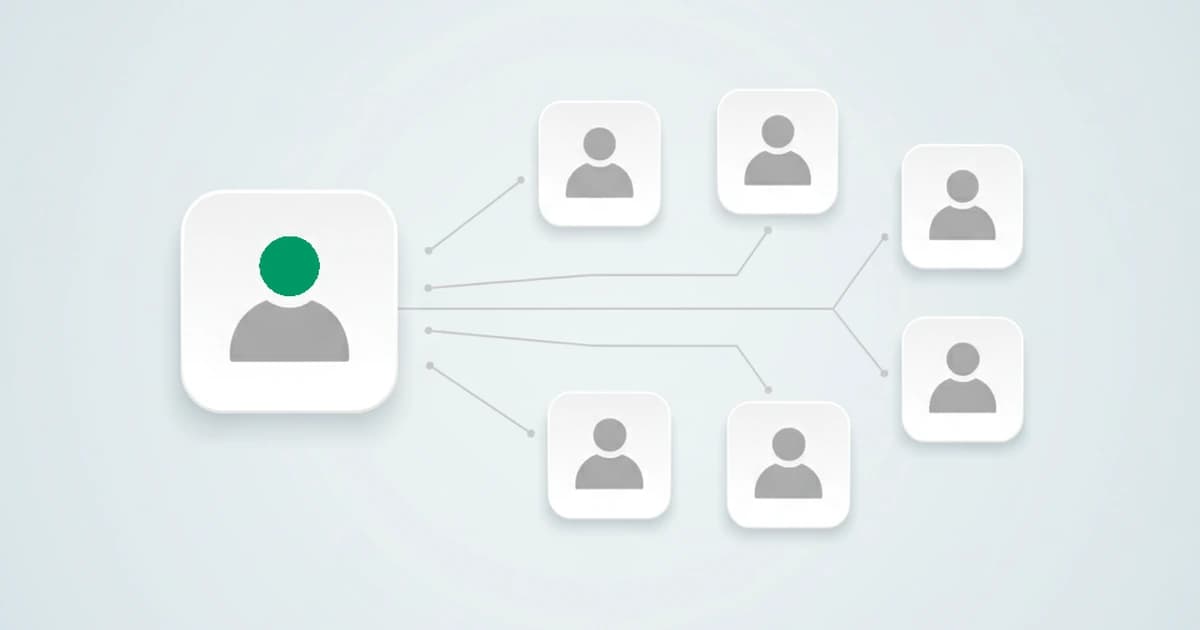
Last updated on September 23, 2026 · 11 min read
Account sharing detection is the practice of identifying when one login is used by several people, by counting how many distinct device identities sit behind a single account over time. It is the mirror image of multi-accounting: there, one person hides behind many accounts; here, many people hide behind one. For subscription and SaaS businesses, the second one quietly drains revenue, because every extra person on a shared login is a seat or a plan that was never bought. It is widespread, too: in a 2026 Self Financial survey of more than 1,200 US adults, 76.2 percent of paid-subscription customers said they share logins with other people, up from 46.5 percent a year earlier.
Account sharing is the case teams most often get wrong, because the honest answer is uncomfortable: the same evidence that flags a sharer also describes a real customer with a phone, a laptop, and a work machine. This guide explains what account sharing detection actually is, how it works, the signals that reveal it, and how to act on it without punishing the people paying you.
Key takeaways
- Account sharing detection counts the distinct device identities behind one login over time, rather than trusting the login itself. Too many separate devices on one account is the core signal.
- It is not the same as password sharing in the password-manager sense, and it is not account takeover. Those are different problems with different fixes.
- The hard part is false positives: one real person legitimately uses several devices and browsers, so detection weighs the device count together with travel and connection signals.
- The right response is rarely a block. It is a prompt to upgrade, a session limit, or a re-authentication, chosen case by case from the detection.
What is account sharing?
Account sharing is when one set of login credentials is used by more than one person. On subscription platforms it ranges from a family passing around one streaming login, to a team using a single paid seat instead of buying more (the SaaS seat-sharing case), to credentials resold to strangers. The common thread is that the platform charges for one user and serves several.
It is worth separating it from three things it gets confused with, because each has a different fix:
- Not password-manager sharing. "Password sharing" often means sending a password to a colleague securely. That is a deliberate, sanctioned act with a password manager. Account sharing detection is the opposite concern: noticing when one paid login is being used by people who were never meant to have it.
- Not account takeover. In account takeover, an attacker uses credentials the real owner did not authorize. In account sharing, the owner usually handed the login out on purpose. The signals overlap, but the intent and the response differ.
- Not just the streaming-password-crackdown story. The consumer headlines are about one large platform enforcing household rules. The same mechanics apply to any subscription or SaaS product, usually framed as protecting revenue rather than policing households.
This guide is about the subscription and SaaS case: detecting that one login serves many, so you can decide what to do about it.
How account sharing detection works
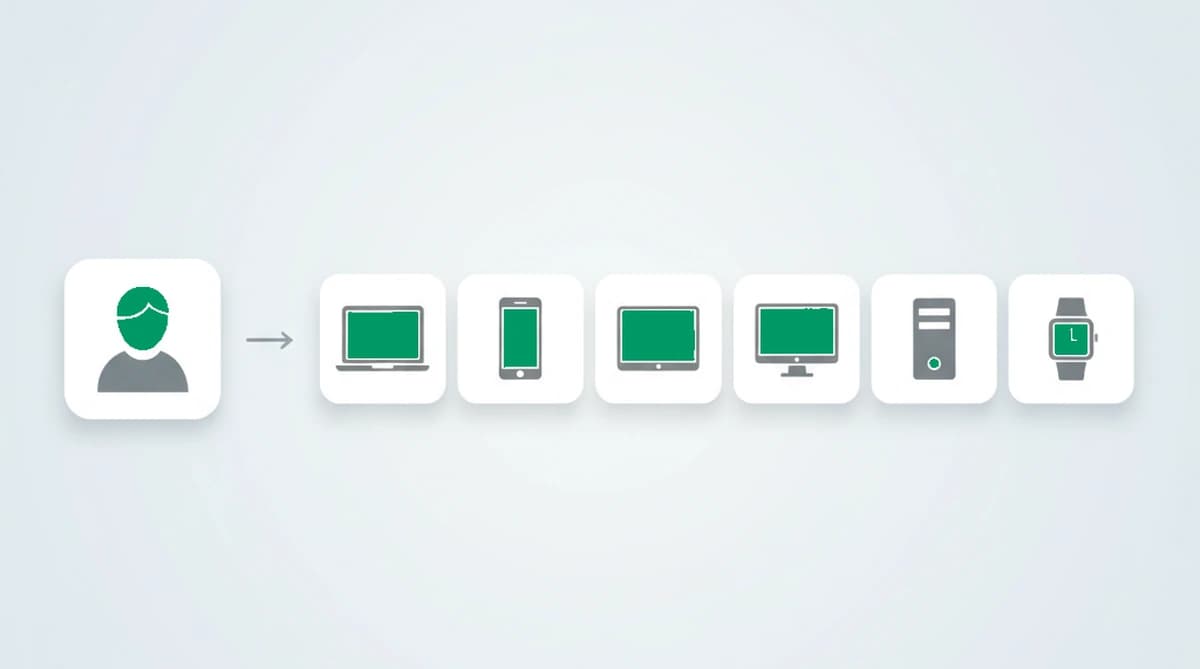
Account sharing detection works by giving each session a stable identity, then counting how many distinct identities accumulate on a single account over time. The login alone cannot tell you this, because everyone signs in with the same credentials. What separates the users is the device and the connection behind each session. A 2024 thesis on account-sharing detection, published at Eindhoven University of Technology, reached the same conclusion: the most reliable signal is the set of distinct devices behind a login, not anything in the credentials themselves.
The mechanic is the inverse of multi-accounting. There, you link many accounts back to one device to prove a single person is behind them. Here, you link many devices to one account to prove several people are behind it. Both rely on the same foundation: a persistent device identifier that survives a cleared cookie and a rotated IP, so a returning session is recognized as the same machine and a genuinely new machine stands out.
Tie that identifier to the account in your system, watch the count of distinct devices grow, and a shape appears. One account touched by two or three stable devices over months looks like a household or a person with a few gadgets. One account touched by a dozen unrelated devices in a week looks like a login that has been handed around.
Head to head, we tested one account touched by a few stable devices against one touched by a dozen unrelated devices in a single week, and the results split cleanly along the distinct-device count, just as the shape above suggests. Counting devices only works because devices are genuinely distinguishable: in 2016, a large study measured 89.4 percent of browser fingerprints as unique, which is what lets a dozen separate machines read as a dozen rather than one. The count, not the credential, is what separates a household with a few gadgets from a login that has been handed around.
The signals that reveal account sharing
No single signal proves sharing. The picture comes from reading several together and weighing how far the account drifts from single-user behavior. These are the ones that do the work:
| Signal | What it indicates | Strength |
|---|---|---|
| Distinct device count | Many separate device identities on one account over time, surviving cleared cookies and rotated IPs | High |
| Impossible travel | The same account logging in from locations too far apart to travel between in the elapsed time | High |
| Geographic spread | Logins clustered in places no single household or person would span | Medium |
| Anonymity tools | VPN, proxy, or anti-detect browser used to mask out-of-household or resold access | Medium |
| Sequential bursts | A login passed between devices in turns, never overlapping, which session caps miss | Medium |
The strongest single signal is the distinct device count, because it reflects the real machines behind the login rather than anything the users can edit. Impossible travel is the next, since two logins on different continents only minutes apart cannot come from one traveling person, and so is plain simultaneous use, two or more devices active on the same account at the same time in different places. Risk signals confirm the picture: a VPN, an anonymous proxy, or an anti-detect browser, plus an OS mismatch or a timezone mismatch between what the connection claims and what the device reports, all point to out-of-household or resold access. These signals are weighed together rather than acted on one row at a time, since any one of them in isolation describes plenty of ordinary users.
How aggressive any of these looks depends on the time window you measure over, which is itself a tuning decision. A short window tolerates a real user switching from a phone to a laptop and back, but lets slow, take-turns sharing slip through; a longer window catches the sharing that takes turns over days, at the cost of flagging more legitimate multi-device use. There is no universal threshold, only the one that fits how your own customers actually behave.
Why a concurrent session limit misses it
The usual first instinct is a concurrent session limit: cap how many sessions can be active at once. It helps, but it only sees sharing that overlaps in time. The most common kind does not.
A family or a team passing one login around tends to take turns. One person watches in the evening, another the next morning; one colleague uses the seat on Monday, another on Tuesday. At no single moment are two sessions live, so a concurrent cap sees nothing wrong. Identity-based detection catches it because it counts distinct devices over time, not sessions at one instant. That is the gap a session limit leaves open, and it is where most real sharing lives.
The hard part: not punishing real users
Here is the uncomfortable part most write-ups skip. The same evidence that flags a sharer also describes a normal customer. One real person routinely uses a phone, a personal laptop, and a work machine, and may add a tablet and a smart TV. Each is a distinct device. A high device count is suspicious, but it is not proof.
It gets subtler. A device identifier is read in the browser, so the same person using two different browsers on one laptop can register as two devices, because the browser fingerprinting signals differ between them. A household behind one shared home IP can look tighter than it is, and a single traveler on a VPN can look like impossible travel. None of these is a sharer.
Account sharing detection carries a confidence level. The device count, the travel, and the anonymity tools raise or lower it, and the safest responses are reversible. This is exactly why a system that returns the reasons behind a detection beats one that returns a yes-or-no: you can see whether an account tripped on five devices in one city or twelve across three continents, and treat them differently.
What to do when you find account sharing
Because the people behind a shared account are often paying customers, blocking is rarely the right first move. The responses that work treat sharing as a revenue and a security question rather than a punishment:
- Prompt an upgrade. When an account shows a sharing pattern, offer more seats or a family plan. The goal is to convert the sharers into paying users, not to lock anyone out.
- Limit concurrent sessions. Cap simultaneous logins on accounts that drift past a threshold, which nudges heavy sharing without touching ordinary use.
- Re-authenticate new devices. Ask for a second factor when an unfamiliar device appears on a sensitive account, which also covers account takeover.
- Reserve hard blocks for the clear cases. Save a real restriction for accounts whose pattern only resale explains, like dozens of devices across many countries.
The thread is that detection informs the response, and you choose it. The data layer tells you how many people sit behind a login and how confident it is; what you do about it depends on your product, your pricing, and your tolerance for friction.
Which industries account sharing hits hardest
Account sharing follows any product priced per user where one login still works for several, so the businesses hit hardest are subscription and access-based:
- Streaming and media. The classic case: one household login passed to friends and family well beyond the plan, which is what put password crackdowns in the headlines.
- SaaS and B2B tools. A team runs on a single paid seat instead of buying more, the seat-sharing case, where each extra user is revenue that was never billed.
- News and publishing. A single subscription gets used across an office or a group, so paid readership is a fraction of actual readership.
- Online learning and courses. One purchased course or membership is shared across a study group, spreading paid access without paid seats.
- Gaming and software licenses. A single account or license is used by many, turning per-user pricing into flat access.
Across all of them the login stays the same while the devices behind it multiply, which is the count that separates one paying customer from several.
Detecting account sharing with ShieldLabs
ShieldLabs gives every session a persistent device identity and lets you attach it to the account in your system, so it counts the distinct devices behind each login over time. When an account behaves like many users, ShieldLabs detects account sharing directly, one of its four High-Risk Events, with Medium or High confidence in the analytics dashboard, API and webhooks, and it flags impossible travel when one login jumps between locations too far apart for the time elapsed.
Each session also returns a risk score from 0 to 100 with the named signals behind it, including the risk signals, a VPN, proxy, or anti-detect browser, that often accompany resold or out-of-household access. ShieldLabs scores the session, names the evidence, and helps stop account sharing. You get the risk score and named risk signals through the API and webhooks and choose the action for each case: prompt an upgrade, limit sessions, or re-authenticate.
Sources
- Swinkels, Jesse (Eindhoven University of Technology): Account Sharing Detection in Web Login (thesis, 2024)
- Self Financial: The Cost of Unused Paid Subscriptions (2026 survey)
- Wikipedia: Device fingerprint
- Wikipedia: Computer Fraud and Abuse Act
Frequently asked questions
- Is account sharing the same as password sharing?
- They overlap but are framed differently. Password sharing often means using a password manager to hand a credential to someone securely, which is deliberate. Account sharing detection is about noticing when one paid login is used by people who were not meant to have it, by counting the distinct devices behind the account rather than the password.
- Can account sharing detection produce false positives?
- Yes, it is the main risk to plan for. One real person uses several devices, and even two browsers on one laptop can read as two identities, so a high device count is a signal to weigh with the rest. Treat it as evidence, set the action threshold as a business decision, and prefer reversible responses over a hard block.
- How is account sharing different from account takeover?
- In account takeover, an attacker uses credentials the owner never authorized, so the goal is to stop them. In account sharing, the owner usually handed out the login on purpose, so the goal is usually to recover revenue or apply limits, not to lock anyone out. The signals overlap, especially impossible travel, but the intent and the right response differ.
- Is account sharing illegal?
- It depends on the jurisdiction and the terms of service rather than being a simple yes or no. In the United States, sharing credentials against a service's terms has been argued under the Computer Fraud and Abuse Act, though enforcement against casual sharing is rare. For most platforms it is a terms-of-service and revenue matter, not a criminal one.
- How does ShieldLabs detect account sharing?
- ShieldLabs assigns each session a persistent device identity linked to your account, then detects account sharing directly, with Medium or High confidence, when one account accumulates many distinct devices, and flags impossible travel when one login jumps between distant locations. It returns a risk score with the named signals, and you choose whether to prompt an upgrade, limit sessions, or re-authenticate. The free tier covers your first 5,000 identifications.
Related articles
Stop Sybil Attacks Without KYC: Evidence-First Prevention for Marketplaces
Build an evidence-first defense for marketplace Sybil attacks: payment-weighted reputation, graph-based detection, device and anonymity signals, plus...

How to stop multi-accounting in online gambling: sportsbooks, poker, and casinos
How to stop multi-accounting in online gambling: why players open multiple betting accounts, the signals that link them to one person, and an operator playbook.

How to detect betting bots on sportsbooks, casinos, and poker sites
How to detect betting bots: the five kinds operators face, the device, network, and timing signals that expose them, and how to stop bot-driven abuse.